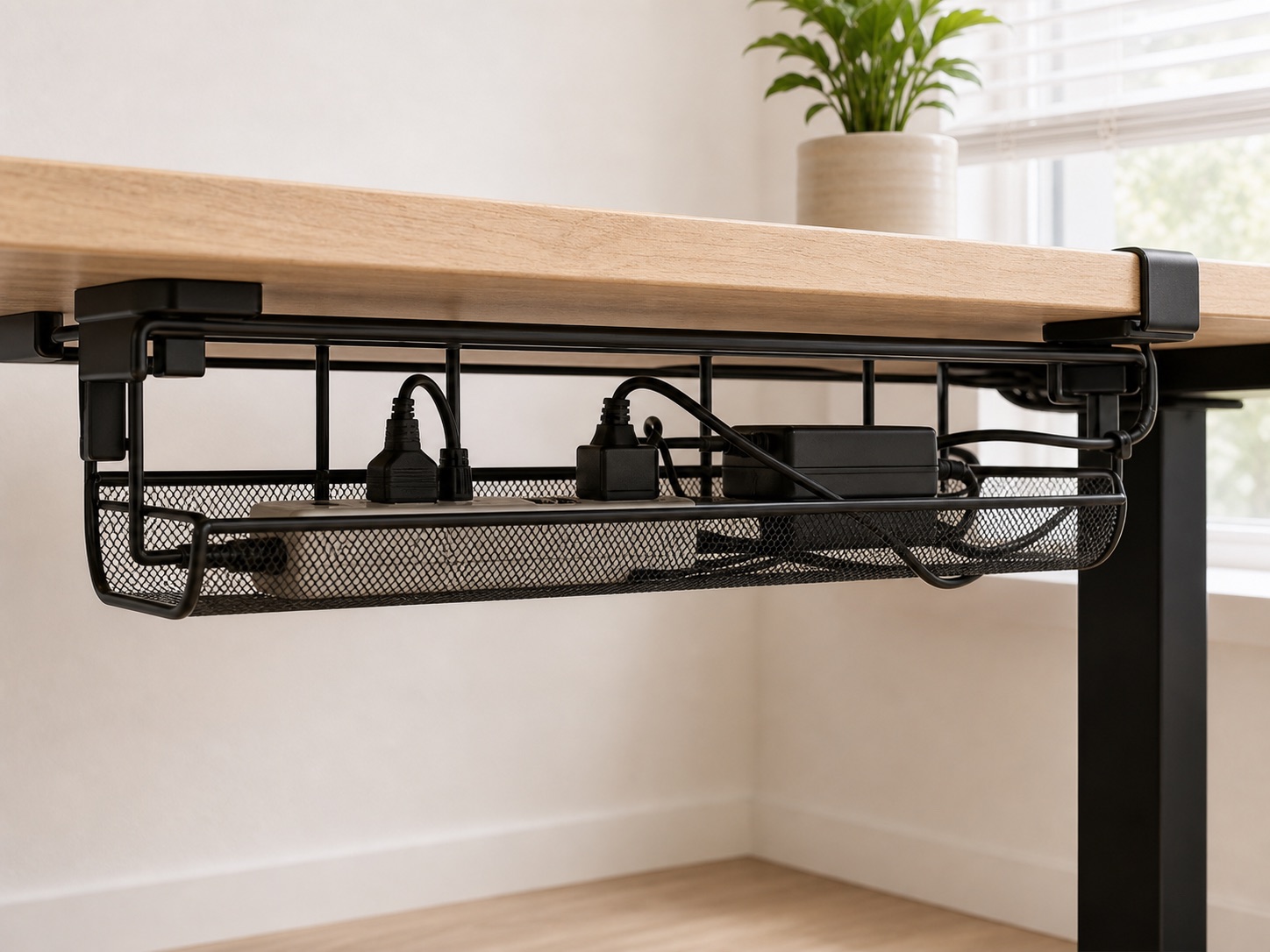
Cable management
No-drill cable management for renters
A fit-first guide to clamp trays, adhesive routes, cable clips, and sleeves for renter-friendly desk cable management.
The guide library
Browse 14 separate guides for cables, space, screen position, and lighting. Every guide prioritizes fit, reversibility, and the smallest useful change.
Cable management
A fit-first guide to clamp trays, adhesive routes, cable clips, and sleeves for renter-friendly desk cable management.
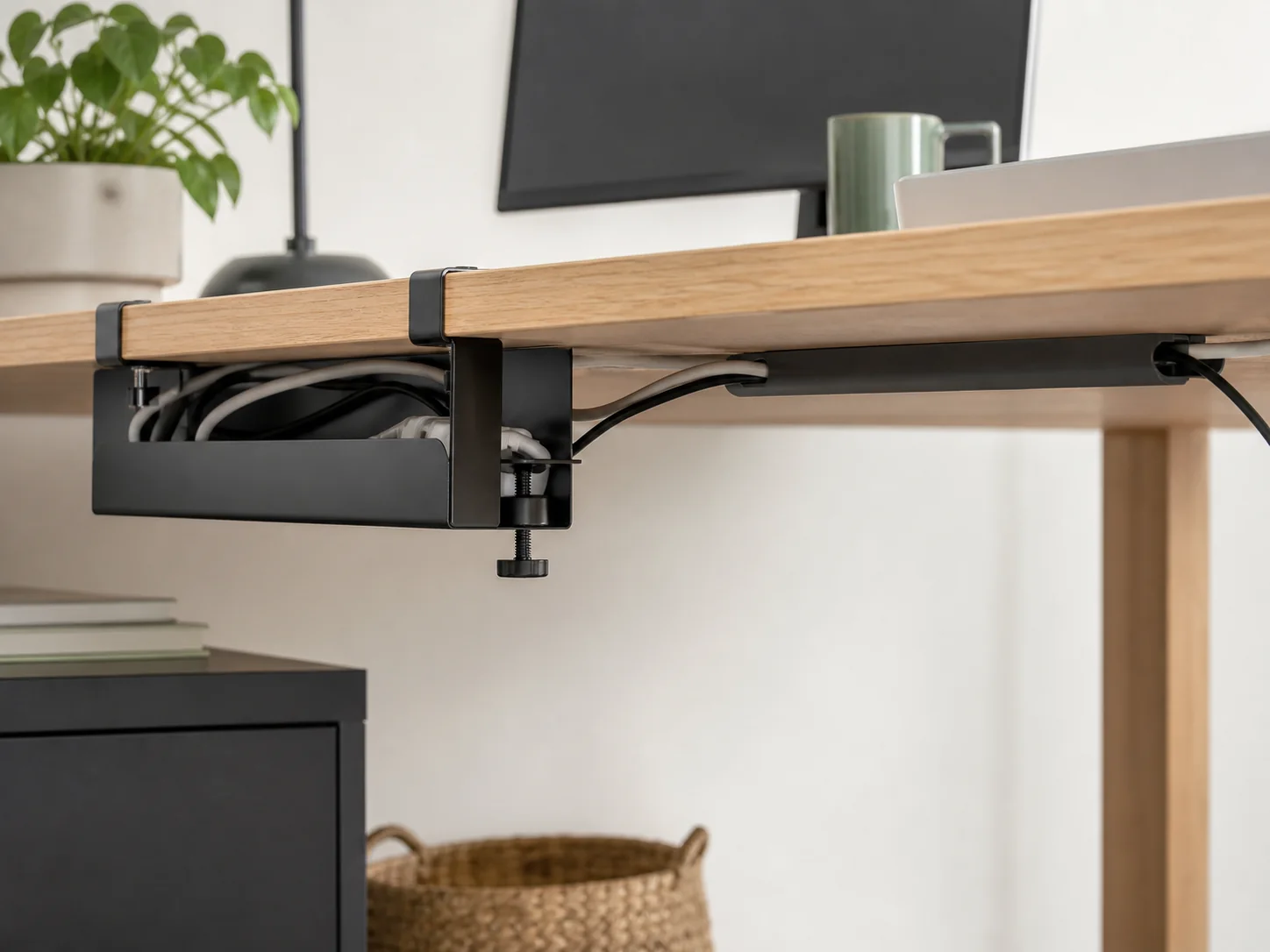
Comparison
Compare clamp-on and adhesive cable management by desk geometry, surface, load, removal, and access.
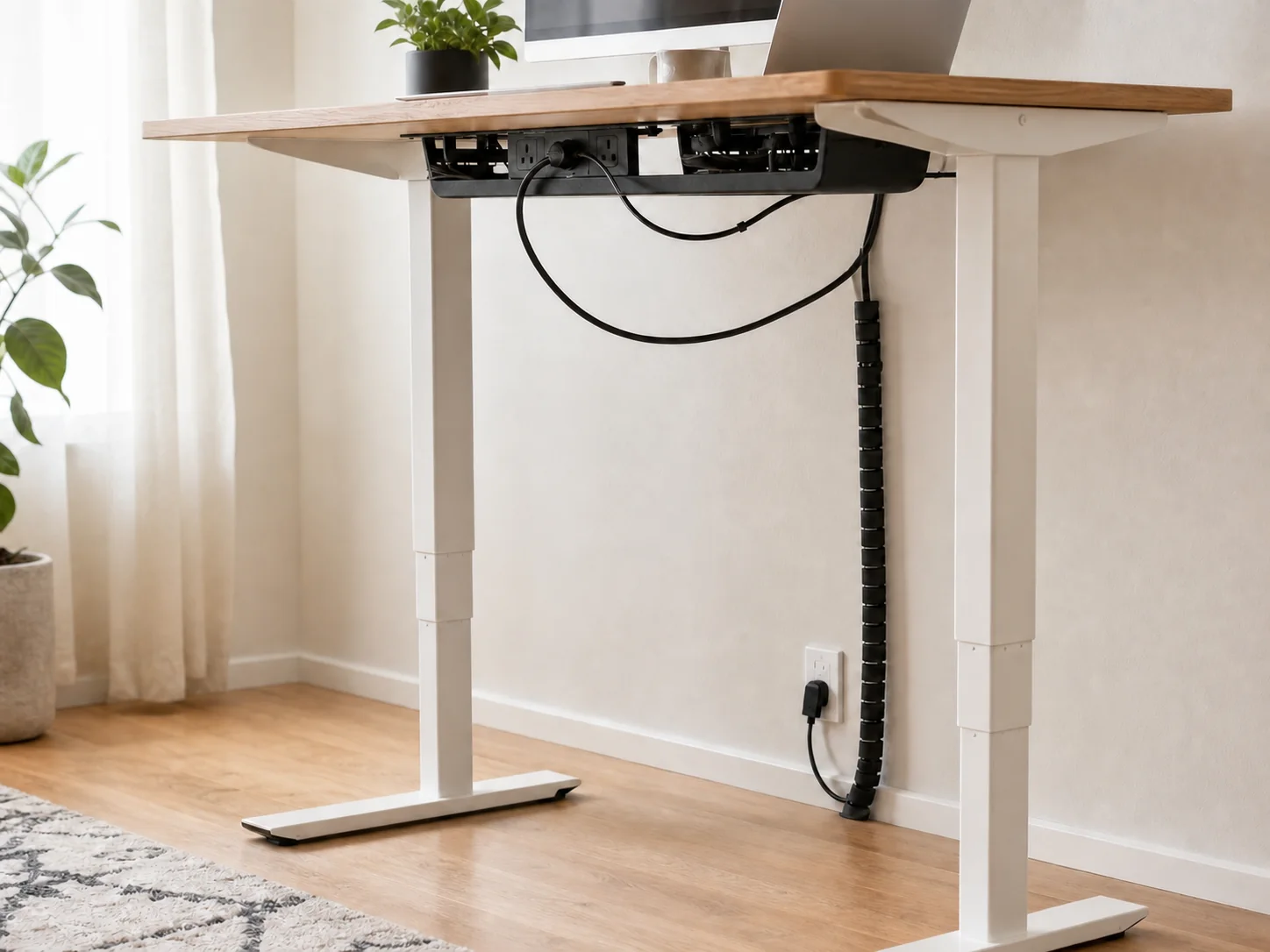
Cable management
Route power and signal cables for a standing desk with controlled slack, fixed and moving zones, and a full-height movement test.
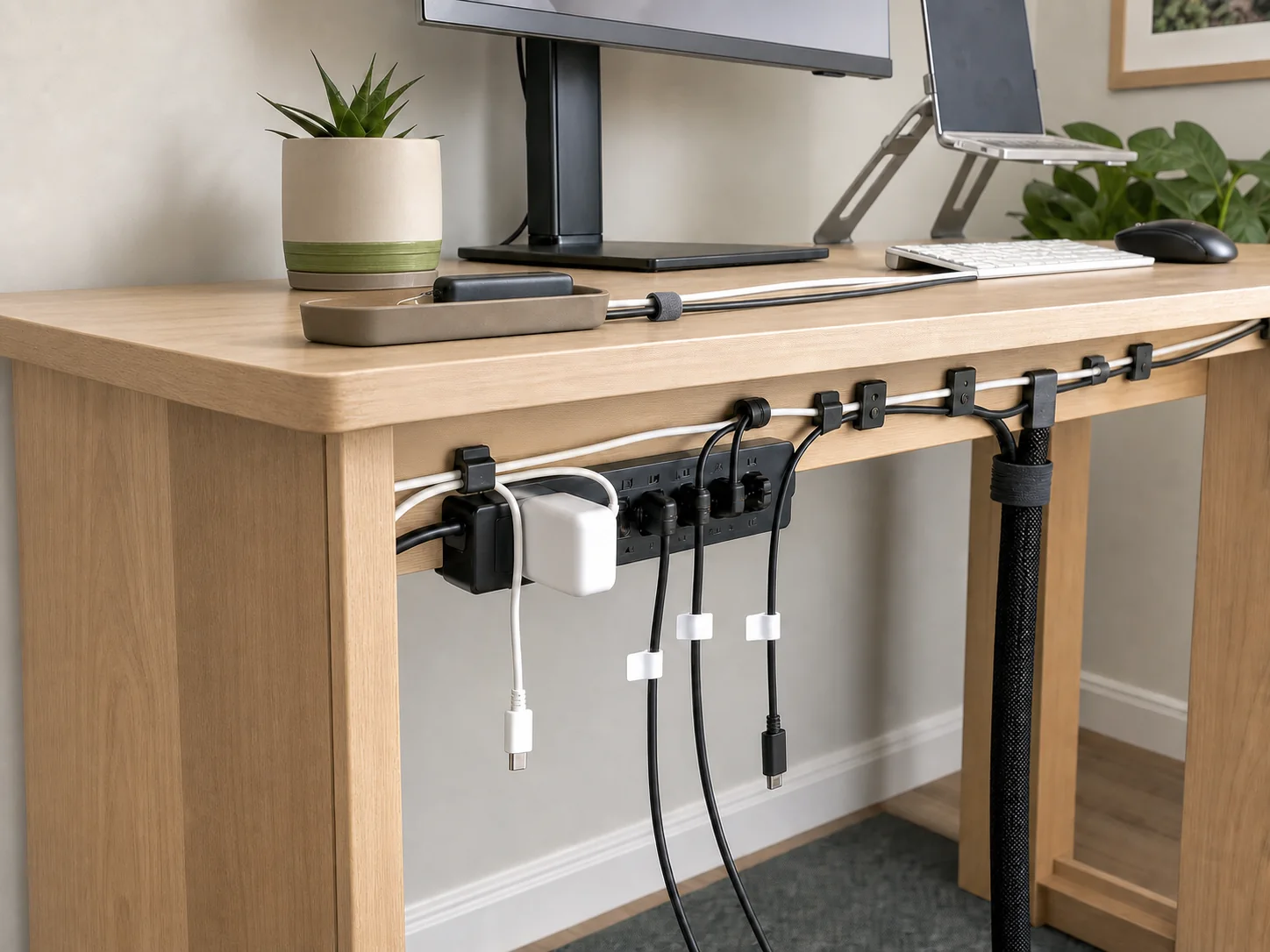
Cable management
A practical checklist for sorting, routing, parking, labeling, and testing cables on a compact desk.
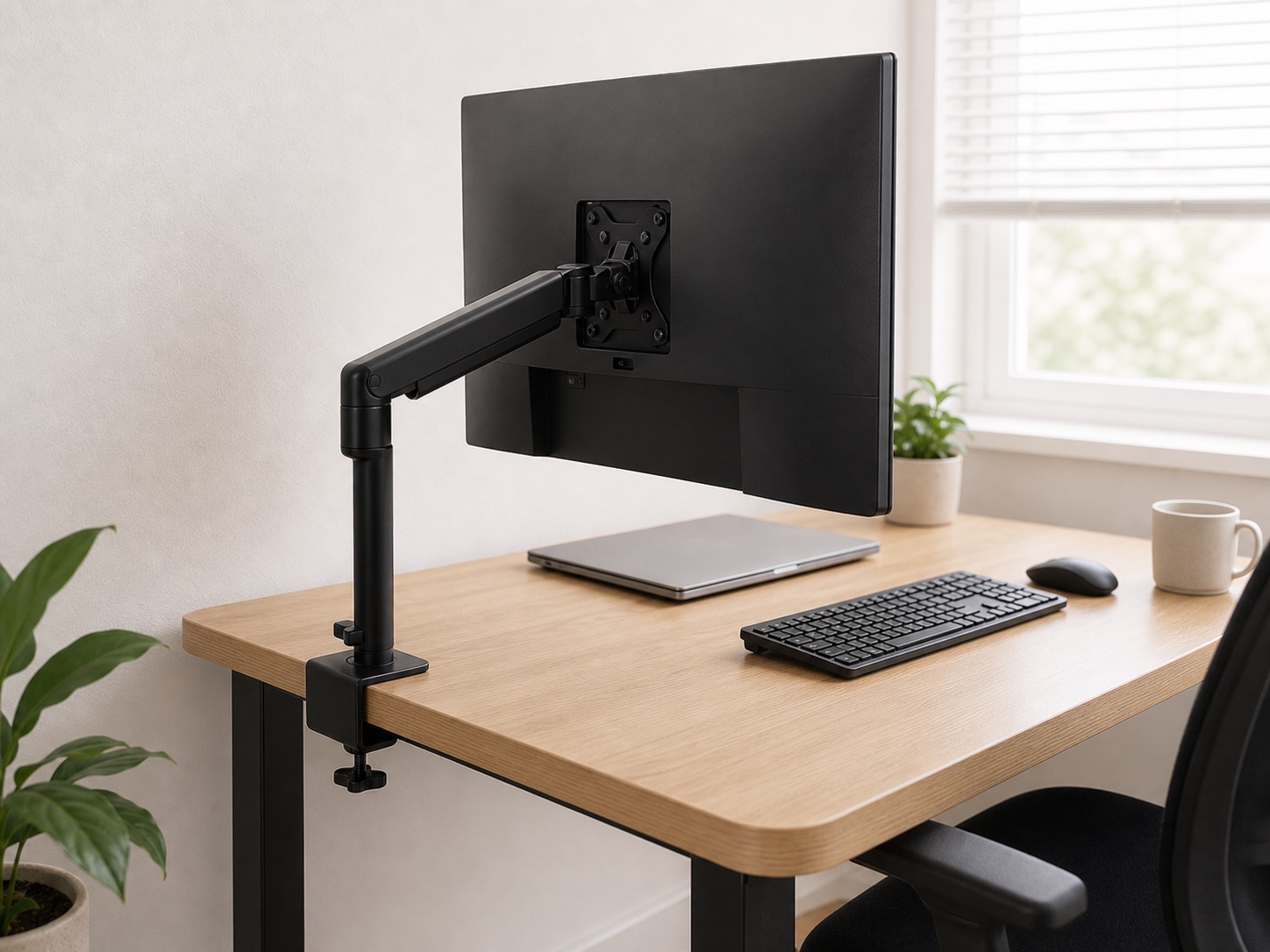
Fit guide
Measure desktop thickness, clamp depth, underside obstructions, rear clearance, and contact material before ordering a clamp accessory.
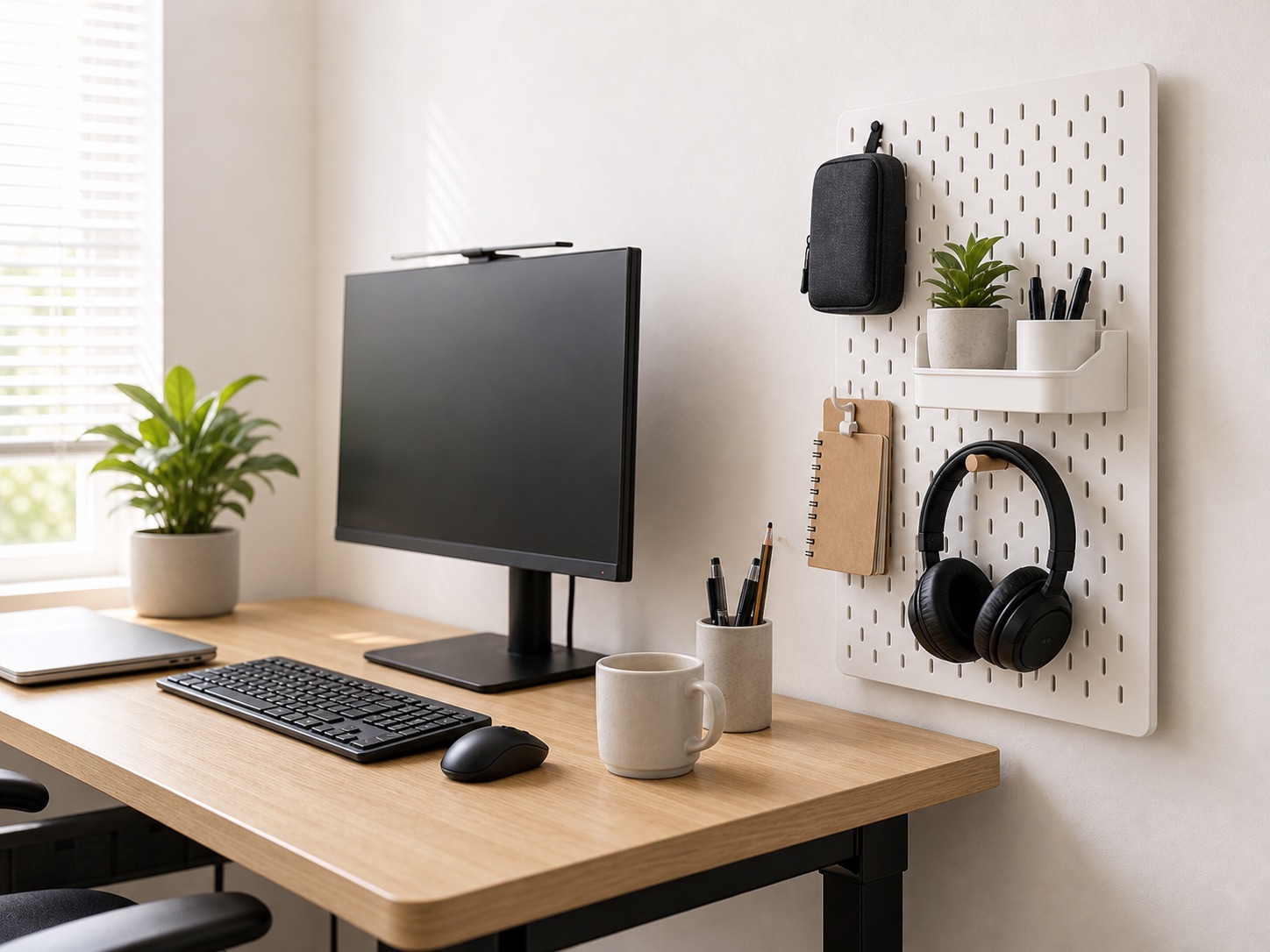
Small-space layout
Use walls, pegboards, shelves, risers, and desk edges to create vertical storage without crowding a compact work surface.
Monitor position
Check VESA pattern, monitor weight, desk edge geometry, wall clearance, and arm movement before buying a monitor arm.
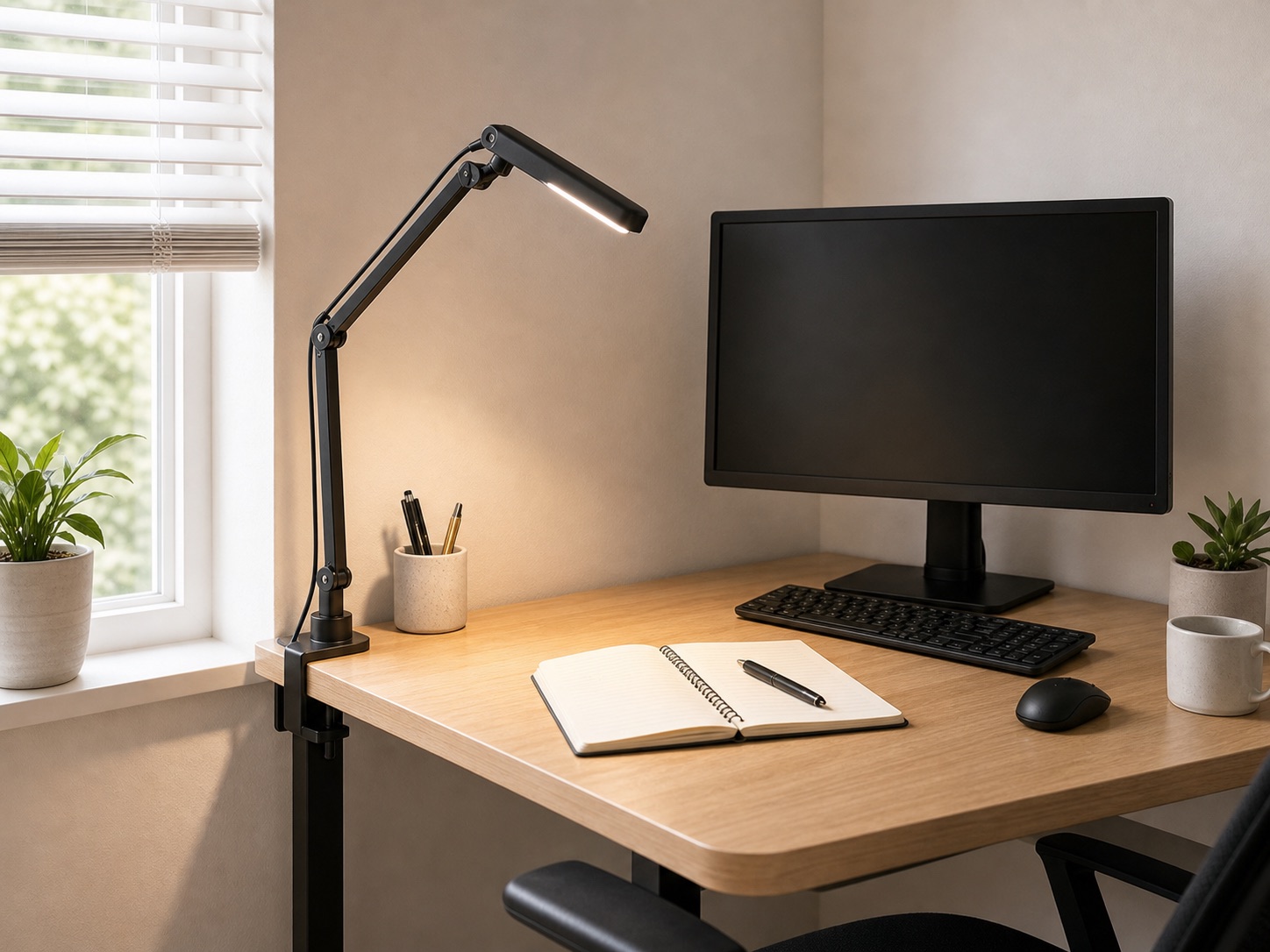
Desk lighting
Compare clamp lamps, monitor lights, and wall-directed lighting for a compact desk while controlling glare and preserving surface area.
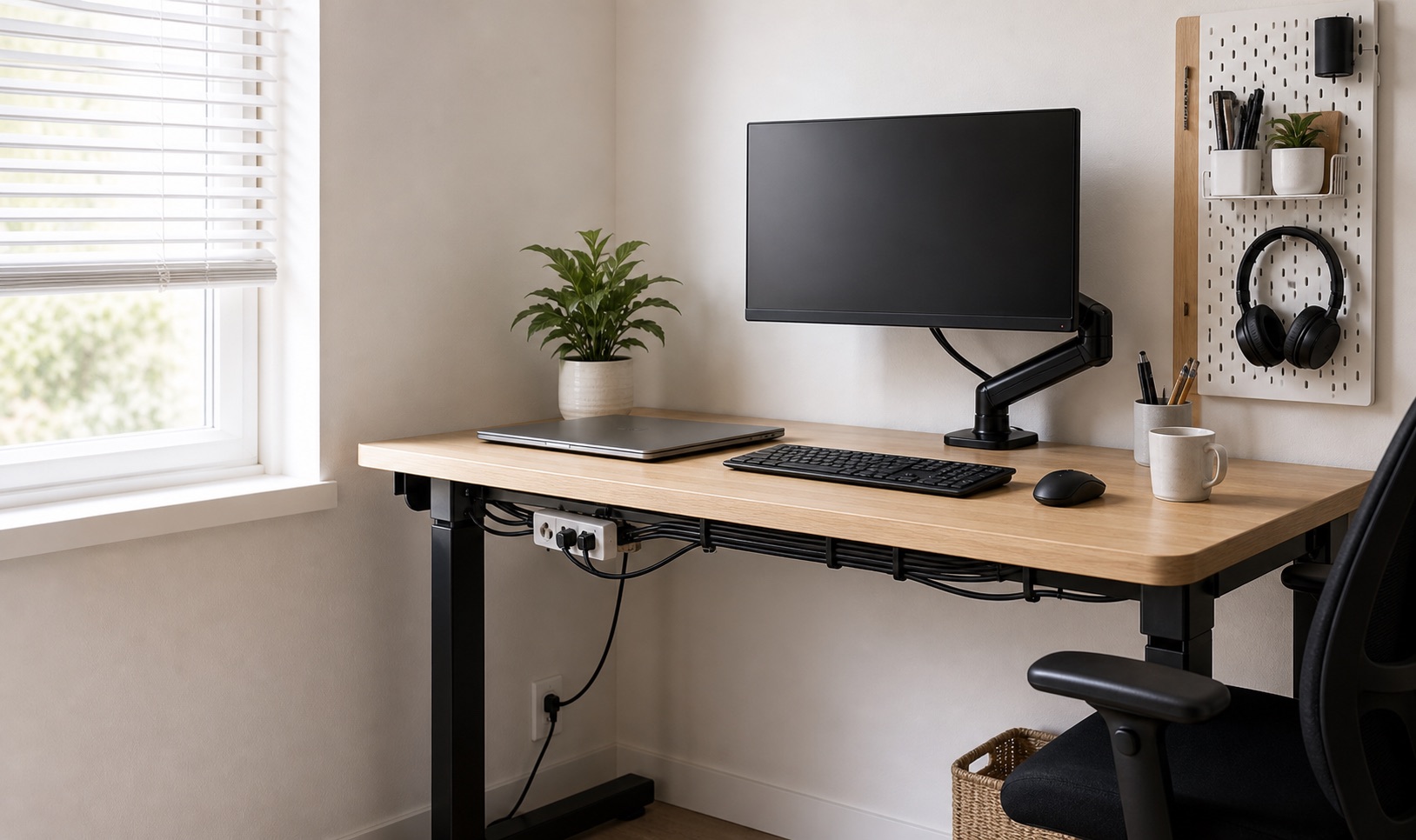
Small-space layout
Plan a compact desk around reach, depth, screen position, charging, and storage instead of filling every available surface.
Renter guide
Prioritize reversible desk upgrades for cables, lighting, layout, storage, and screen position without assuming wall or desk modifications.
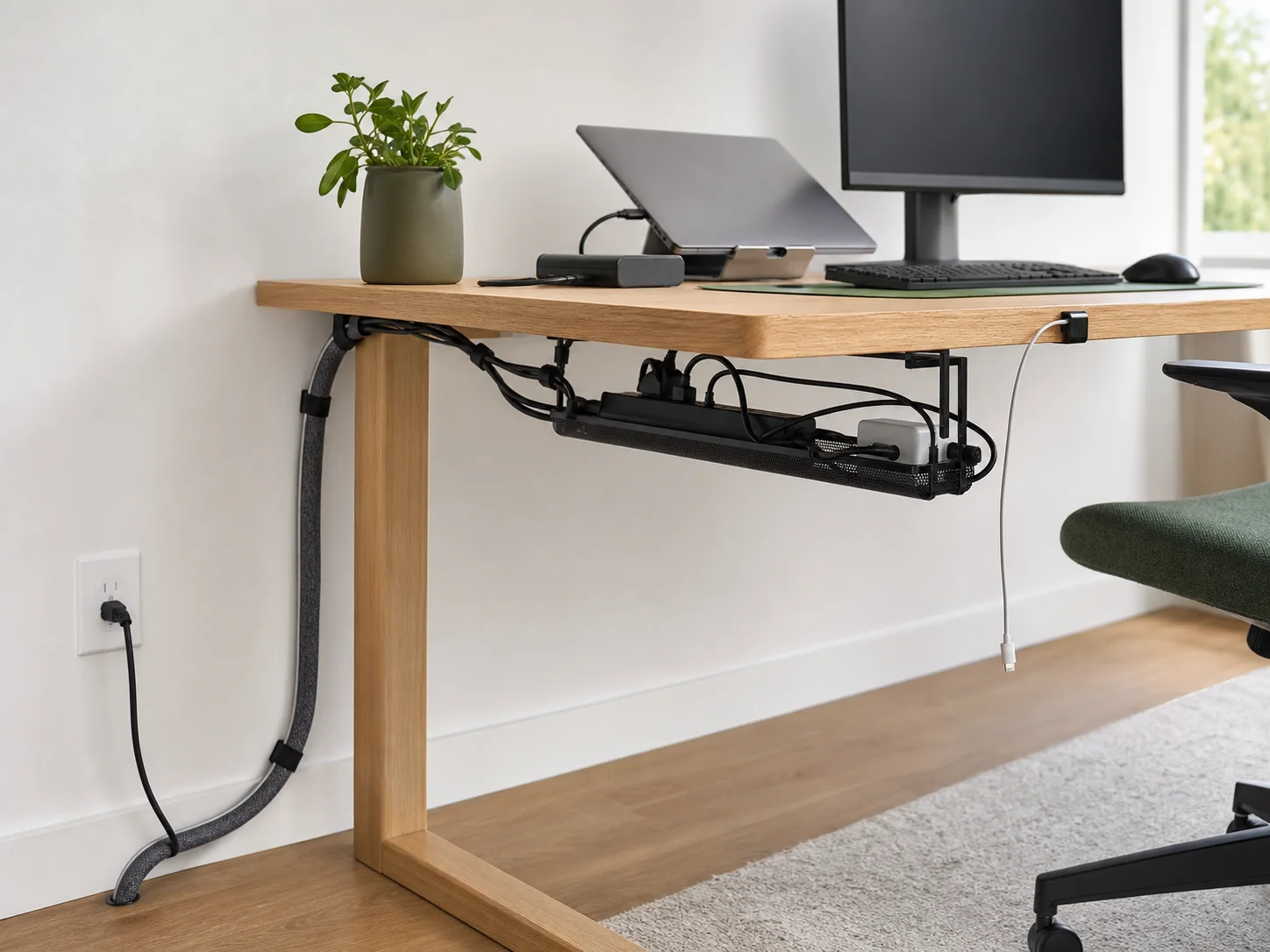
Cable management
Plan one inspectable cable route from the wall outlet to the power strip, desk, monitor, and daily-use devices.
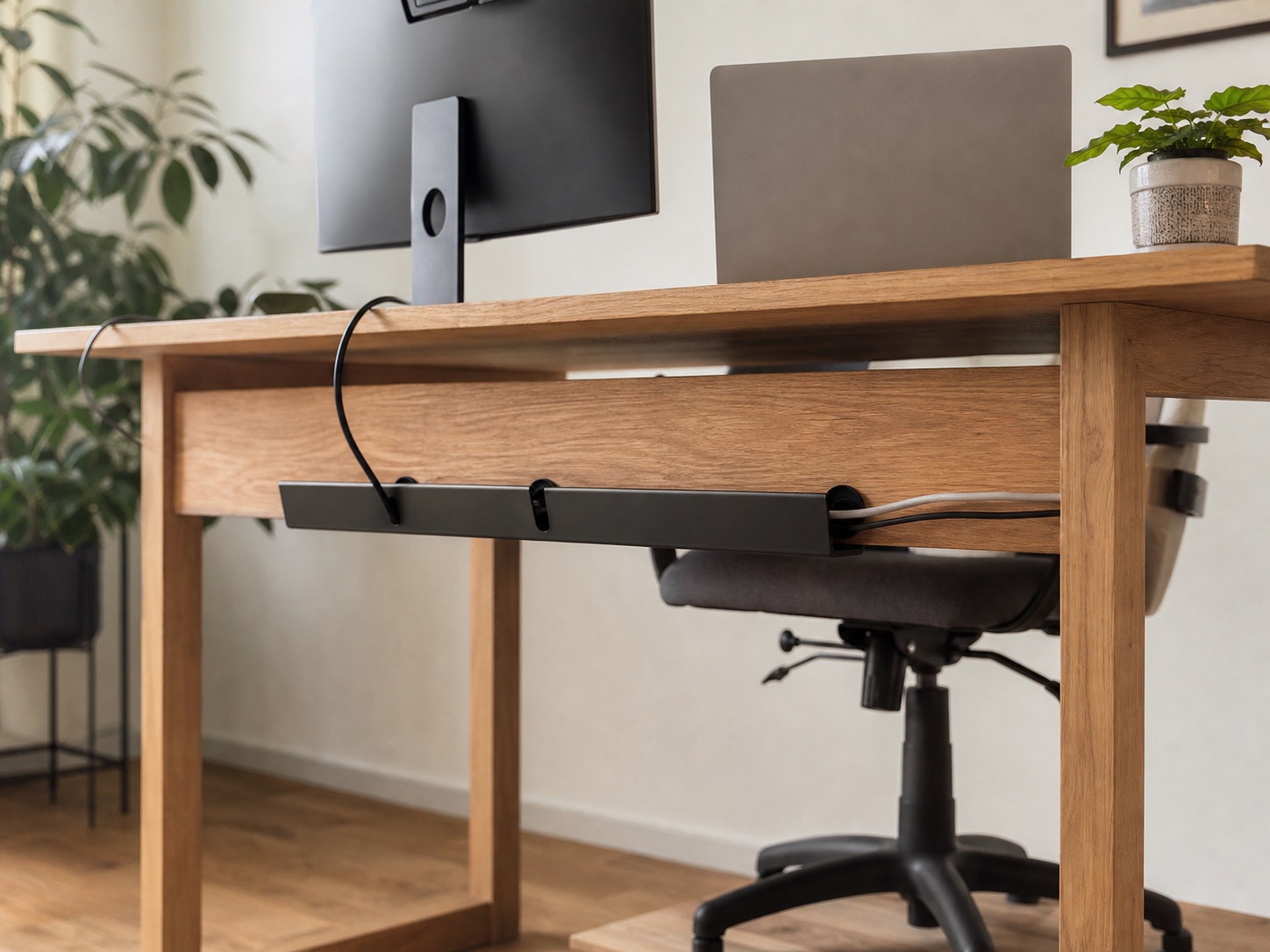
Cable management
Choose adhesive trays, cable clips, and sleeves when a desk apron or crossbar blocks a clamp-on cable tray.
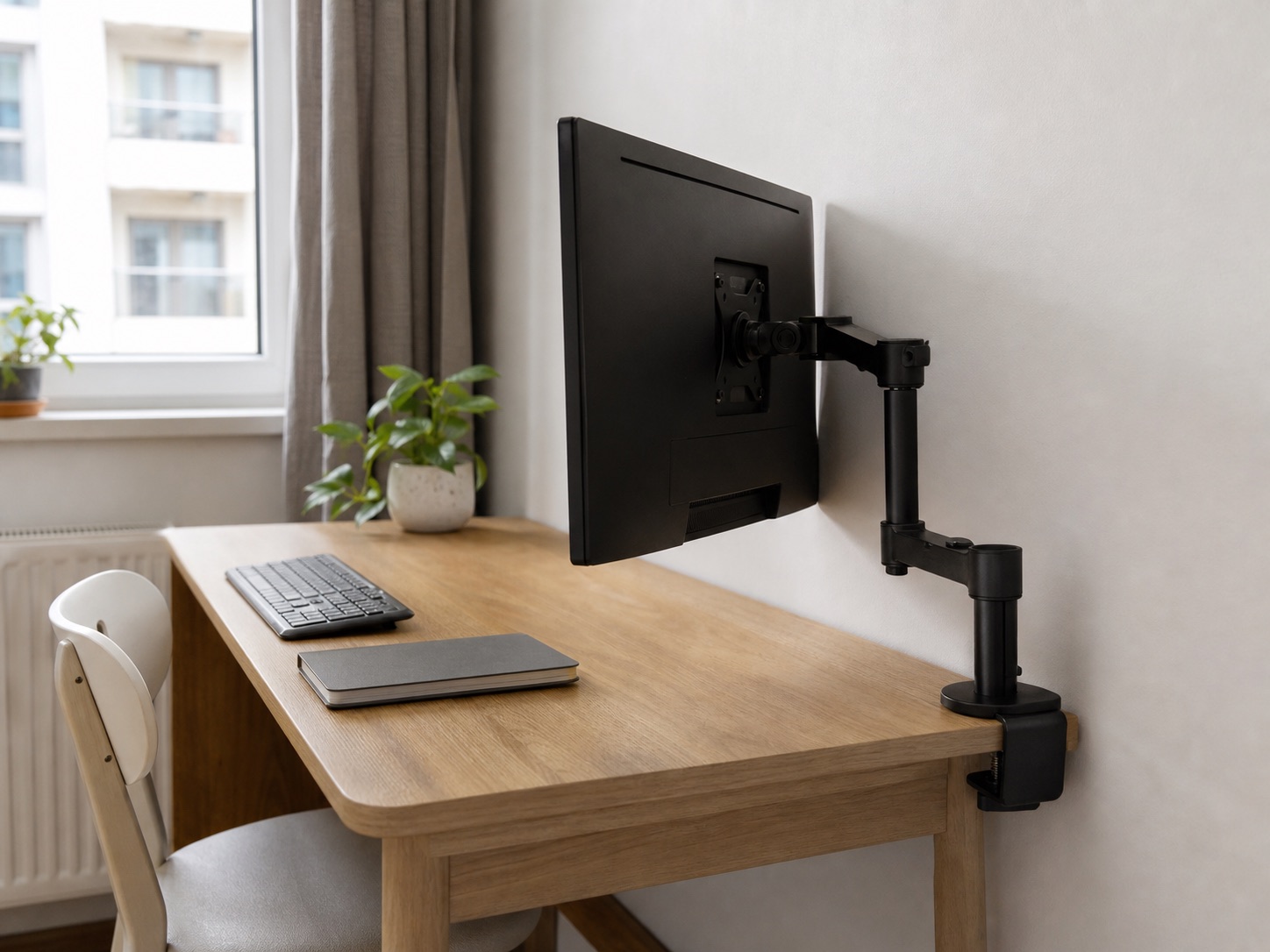
Monitor position
Compare pole and gas-spring monitor arms for a shallow desk near a wall, with clearance and clamp checks before buying.
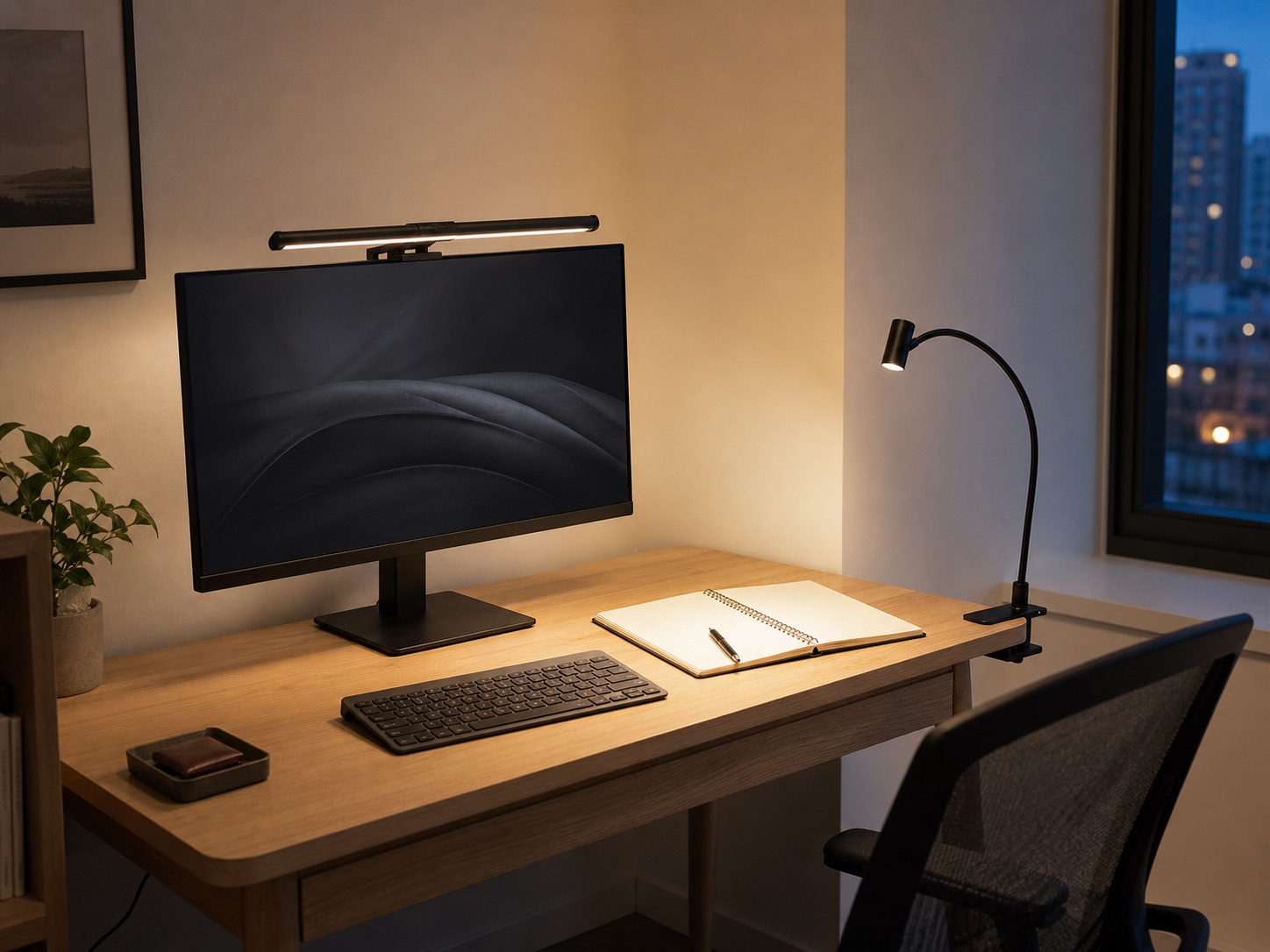
Comparison
Choose between a monitor light bar and a clamp-on desk lamp by screen compatibility, paper work, glare control, and available desk edges.