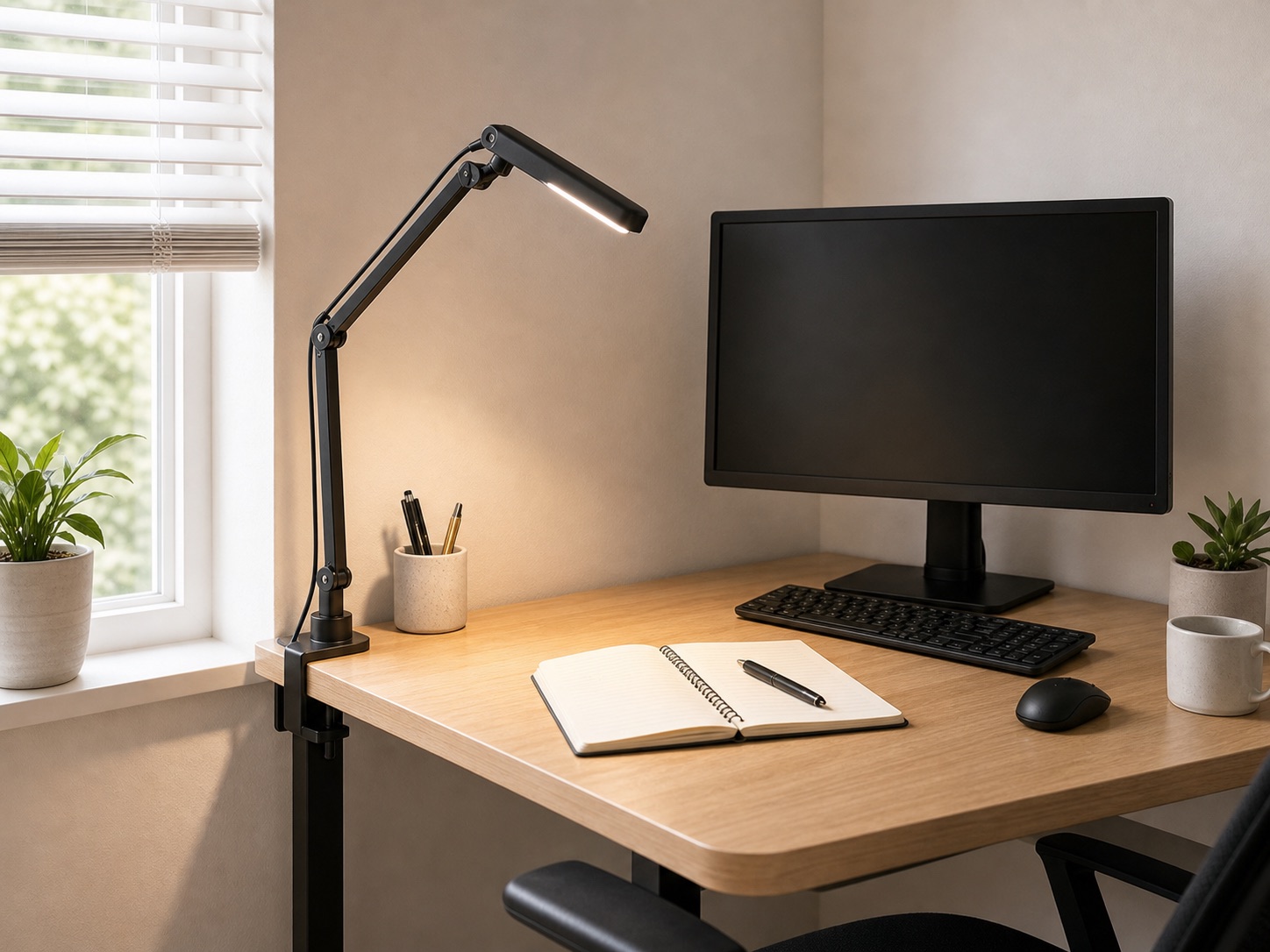
Start with the job the light must do
A video call, handwritten notes, keyboard work, and late-night reading do not need the same light. Define the primary task first. A focused lamp improves contrast on paper; broad indirect light softens the room; a monitor-mounted light can illuminate the keyboard area without occupying a corner.
Most compact setups work better with two modest layers than one harsh source: gentle ambient light plus controllable task light.
Clamp lamp: flexible but geometry-dependent
A clamp lamp saves surface area and can aim at paper or a wall. It needs a flat edge, underside clearance, and enough space for the arm to move without hitting the monitor. Place it on the side opposite your writing hand to reduce hand shadows.
Before ordering, use the same edge measurement required for any clamp accessory.
Monitor light: compact but screen-specific
A monitor light occupies no desk corner and can direct light downward. Check whether its mount suits the monitor’s top edge, thickness, curvature, webcam, and rear shape. The light should not shine directly into your eyes or create a bright reflection in the screen.
Laptop screens and unusually curved or thick displays may need a different solution than a standard monitor light.
Wall-directed light: the quiet fallback
Pointing a small lamp toward a light-colored wall can create soft ambient illumination with less screen glare. This is useful when the desk edge cannot accept a clamp. It is less efficient than direct task lighting and depends on wall color and distance, but it can make a dark corner more comfortable.
Run a glare test
- Display a dark screen.
- Sit in your normal position.
- Move the lamp through its intended angles.
- Check reflections from the screen, glasses, glossy desk, and framed art.
- Repeat during daytime if a window is nearby.
Move the source to the side, raise it, or bounce it away from the screen until the work surface is lit without a visible hotspot.
Prioritize useful controls
Brightness adjustment usually matters more than a long feature list. A warm-to-neutral range can help the same light serve evening and daytime use, but color labels differ across products. Controls should be reachable without destabilizing the monitor or leaning behind the desk.
Choose by constraint
| Constraint | Start with |
|---|---|
| No spare desk corner | Clamp lamp or compatible monitor light |
| Blocked desk edge | Monitor light or wall-directed lamp |
| Frequent handwriting | Adjustable side task lamp |
| Screen glare | Indirect wall light plus careful task-light angle |