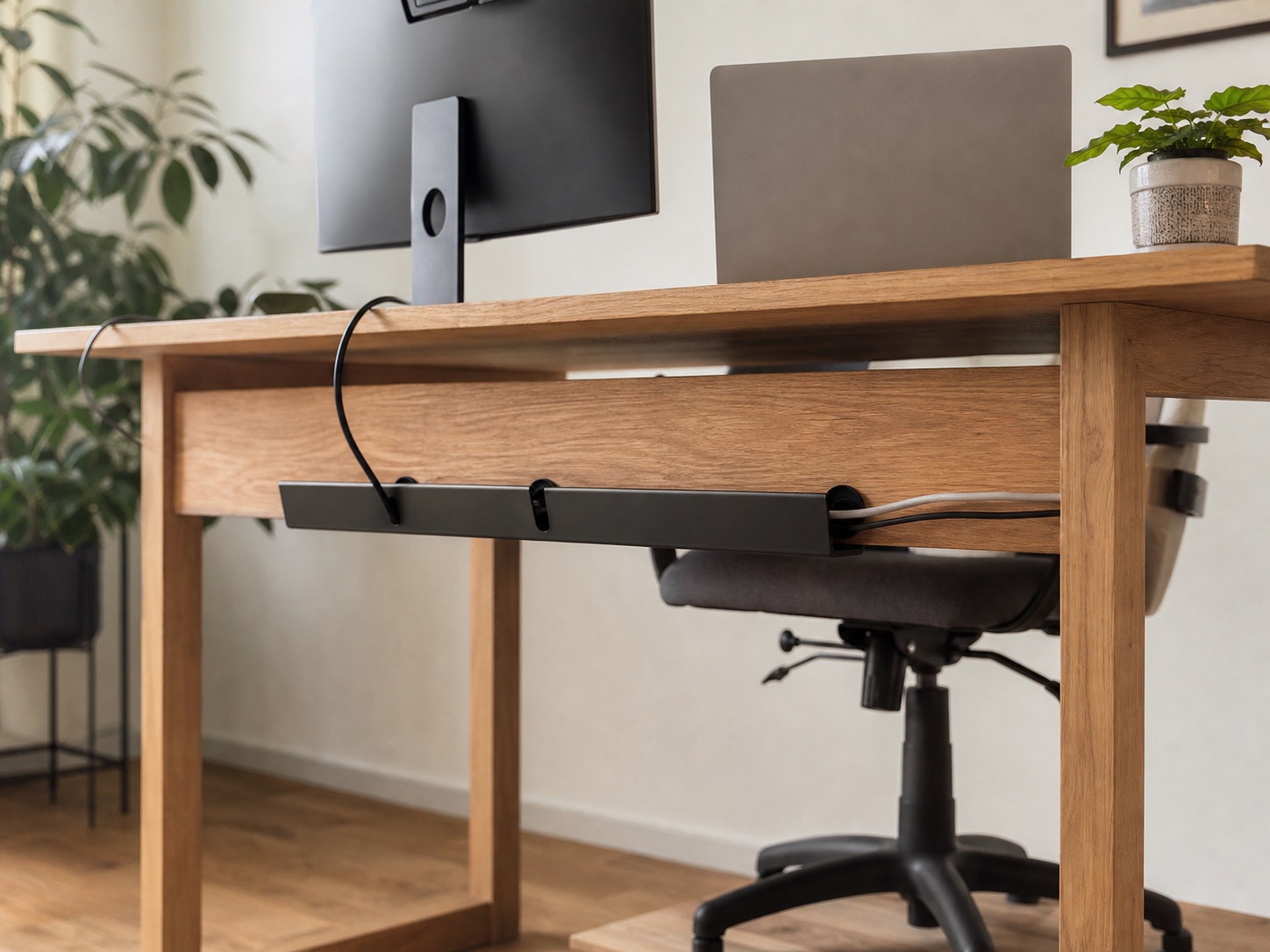
Cable management for a desk with a back apron
Route power safely when a crossbar or apron blocks the rear clamp.
Read guidePractical, research-led fixes for cables, cramped surfaces, screen position, and lighting.
Choose your desk problem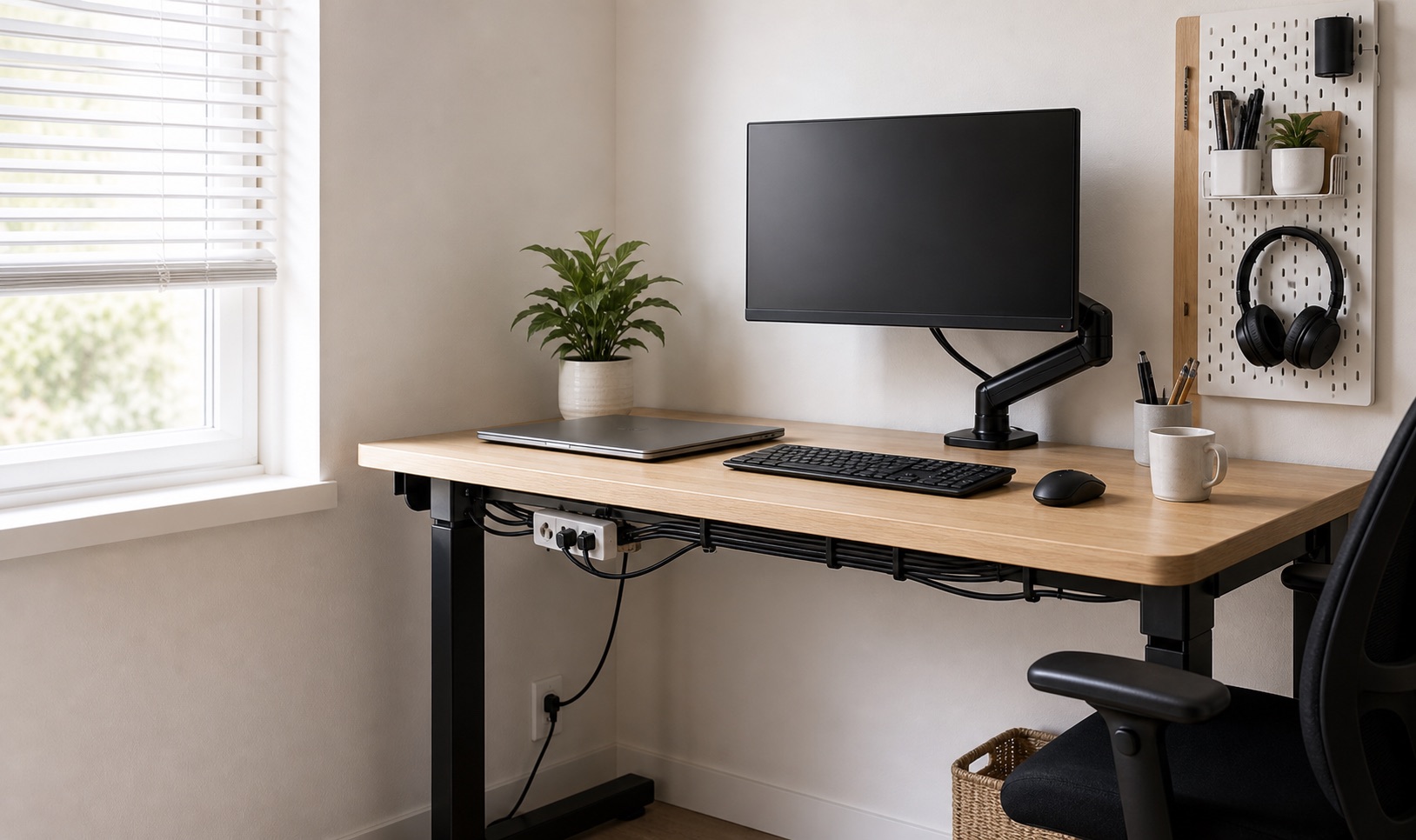
Start with the constraint you can see. Each path leads to fixes that account for space, mounting, and access.
Route power, bricks, and everyday charging cables without turning the desk into a permanent project.
See cable fixesRecover surface area by lifting, clipping, stacking, and moving storage into unused zones.
See space fixesCheck edge clearance, mount fit, and screen position before buying a riser or monitor arm.
See screen fixesAdd useful task light without giving up the corners or creating distracting screen glare.
See lighting fixes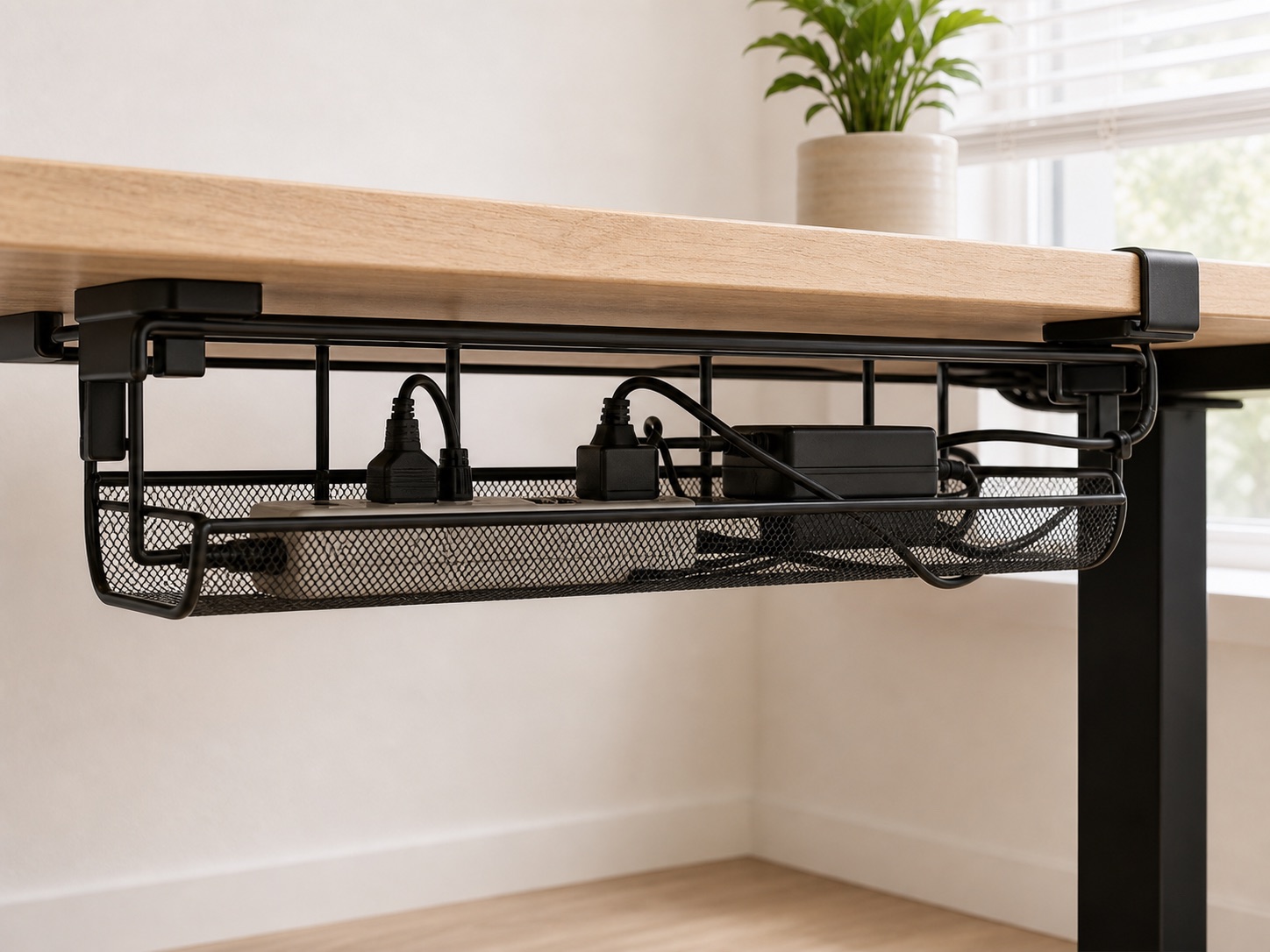
Featured guide
A damage-conscious way to move power and cable slack off the floor—without assuming every desk has the same edge, underside, or load.
Answer three quick questions. We’ll point you to the installation style worth checking first.
Why fit comes firstWe do not claim hands-on testing unless we can document it.
Route power safely when a crossbar or apron blocks the rear clamp.
Read guide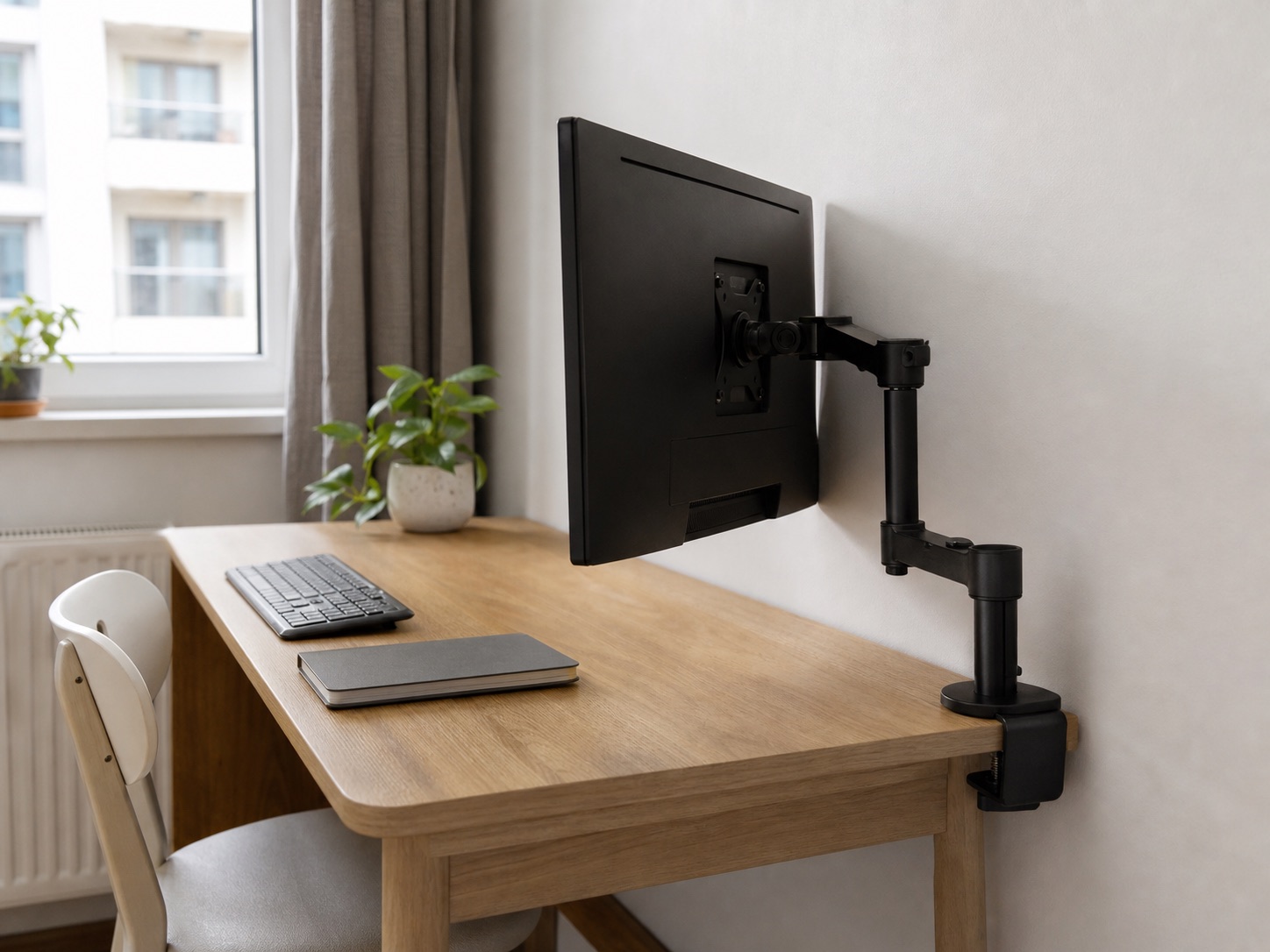
Measure installation and operating clearance before choosing an arm.
Read guide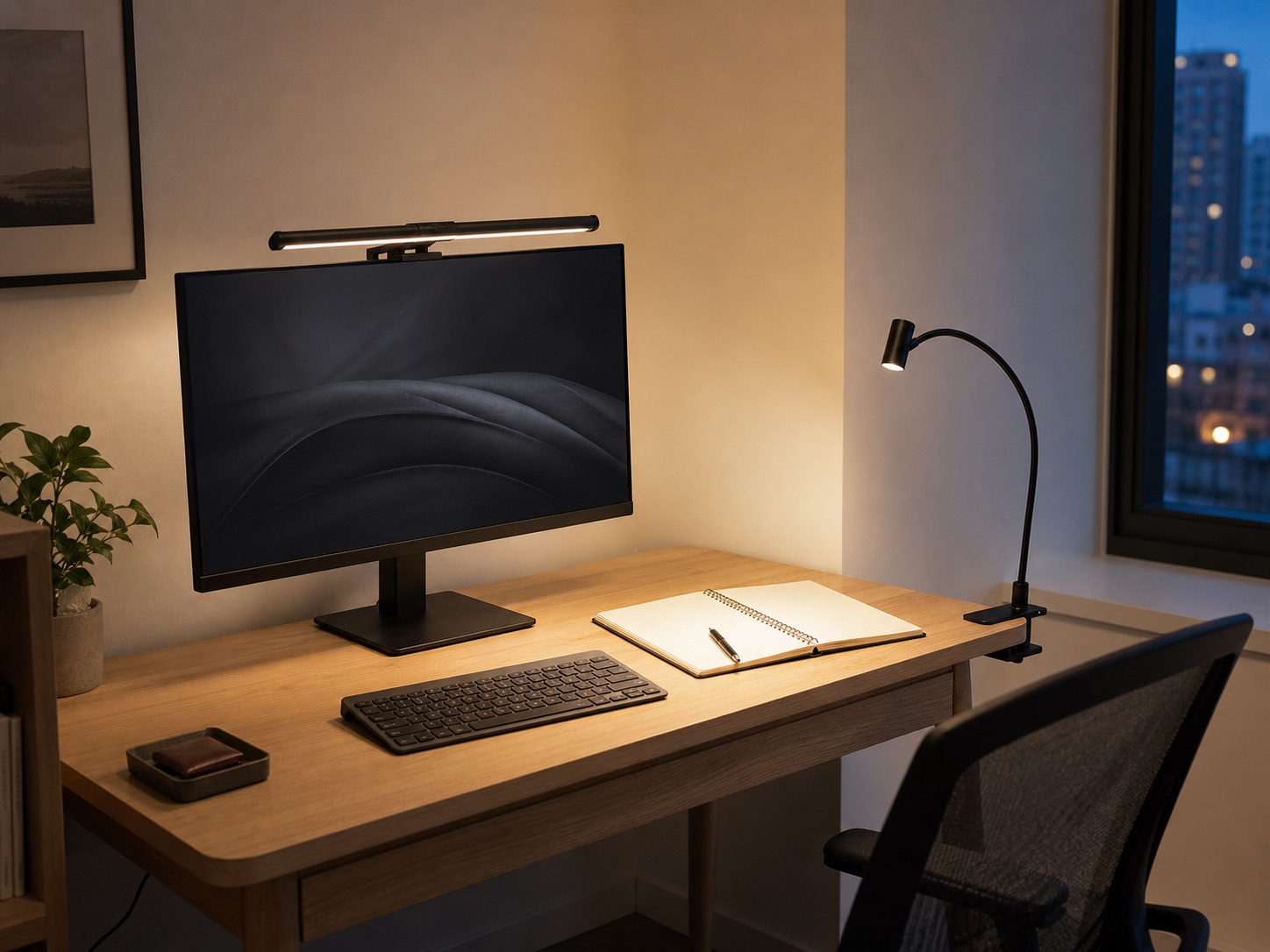
Choose by screen compatibility, paper work, and available desk edges.
Read guide
Start with the desk edge, underside, load, and safest removable route.
Read guide