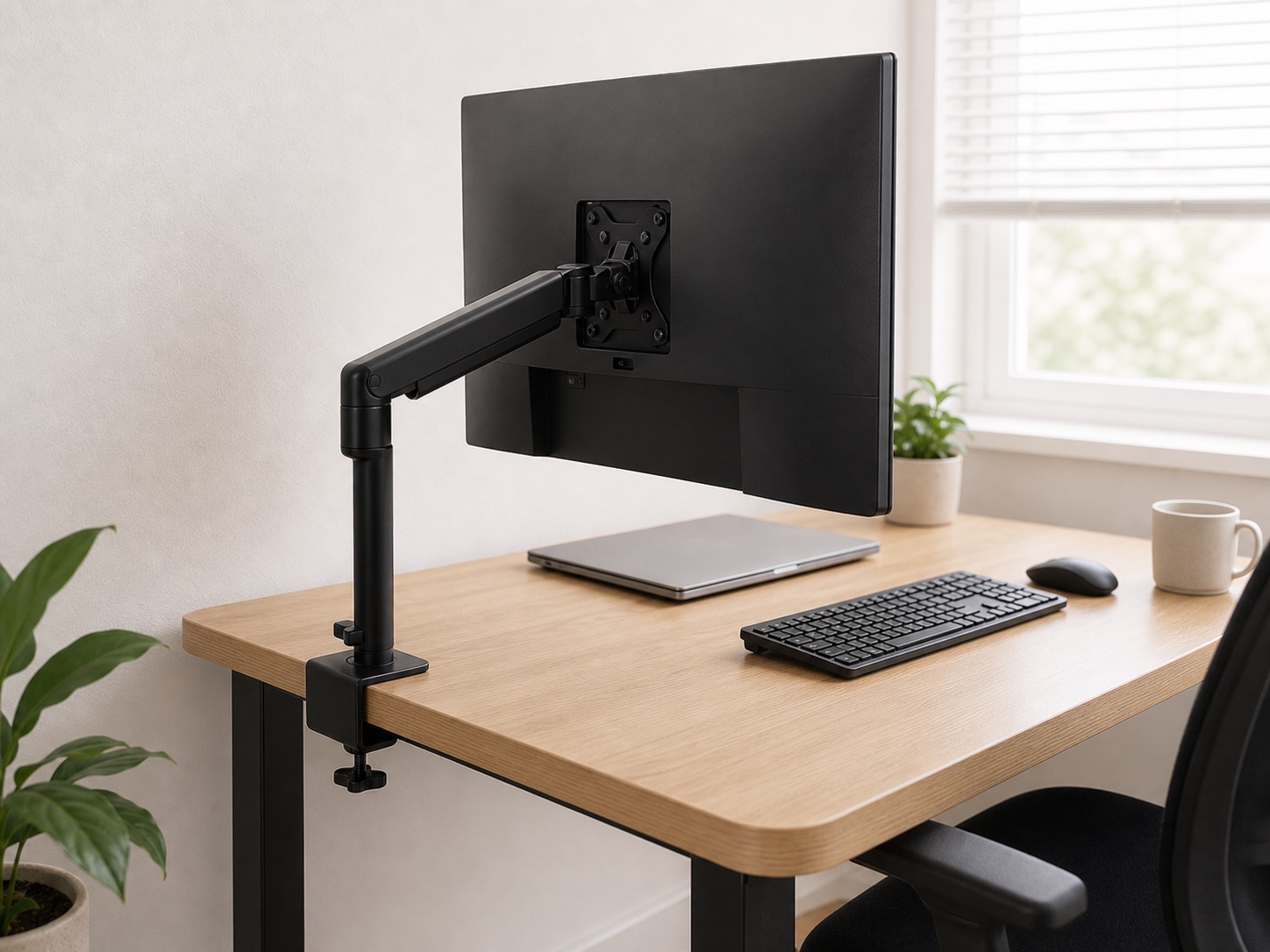
What you need
Use a ruler or tape measure, a flashlight, your phone camera, and a note. A small piece of card can help reveal whether the underside is flat enough for the lower clamp pad. Measure at the exact location where the accessory will attach; desk geometry often changes near corners and legs.
1. Measure desktop thickness
Measure from the top surface to the underside at the intended clamp point. Include any lip, bevel, or added desk mat only if it will sit inside the clamp. Compare this measurement with the current opening range stated by the accessory maker.
A clamp that barely opens wide enough leaves no useful adjustment. Give yourself margin for the protective pads and for tightening without forcing the hardware.
2. Measure usable clamp depth
Look beneath the edge. The lower jaw must travel inward far enough to contact a flat, structurally suitable area. Measure from the outer edge to the first obstruction: apron, support rail, drawer, control box, or standing-desk frame.
A desk can be thin enough but still incompatible because the jaw cannot reach past a decorative lip.
3. Check below, behind, and above
- Below: Will the screw knob, tray, or lower plate hit your knee or a drawer?
- Behind: Does the mount need space between the desk and wall?
- Above: Will the upper plate conflict with a desk mat, keyboard, or cable grommet?
For monitor arms, include the rear swing of the arm. For lamps and microphone arms, include the direction of the first joint.
4. Identify the contact material
Solid wood, laminate over particleboard, bamboo panels, hollow-core tops, veneer, and glass behave differently under concentrated pressure. Follow the desk maker’s guidance. Glass and visibly damaged surfaces need particular caution; do not assume that an included pad makes every material safe.
A reinforcement plate can spread pressure on some compatible desks, but it does not repair a weak core or make an unsupported edge structural.
Use a simple fit note
Your measurement card
- Attachment location: ______
- Desktop thickness: ______
- Flat underside depth: ______
- Nearest obstruction: ______
- Rear wall gap: ______
- Desk material: ______
- Accessory load/weight: ______
Keep this note while shopping and compare it with the current listing and manual. Do not rely on a product photo to estimate scale.
Match the measurement to the job
For cable weight, continue to the no-drill cable guide. For a screen, use the monitor-arm compatibility checklist. If there is no viable clamp location, compare adhesive and lightweight alternatives.