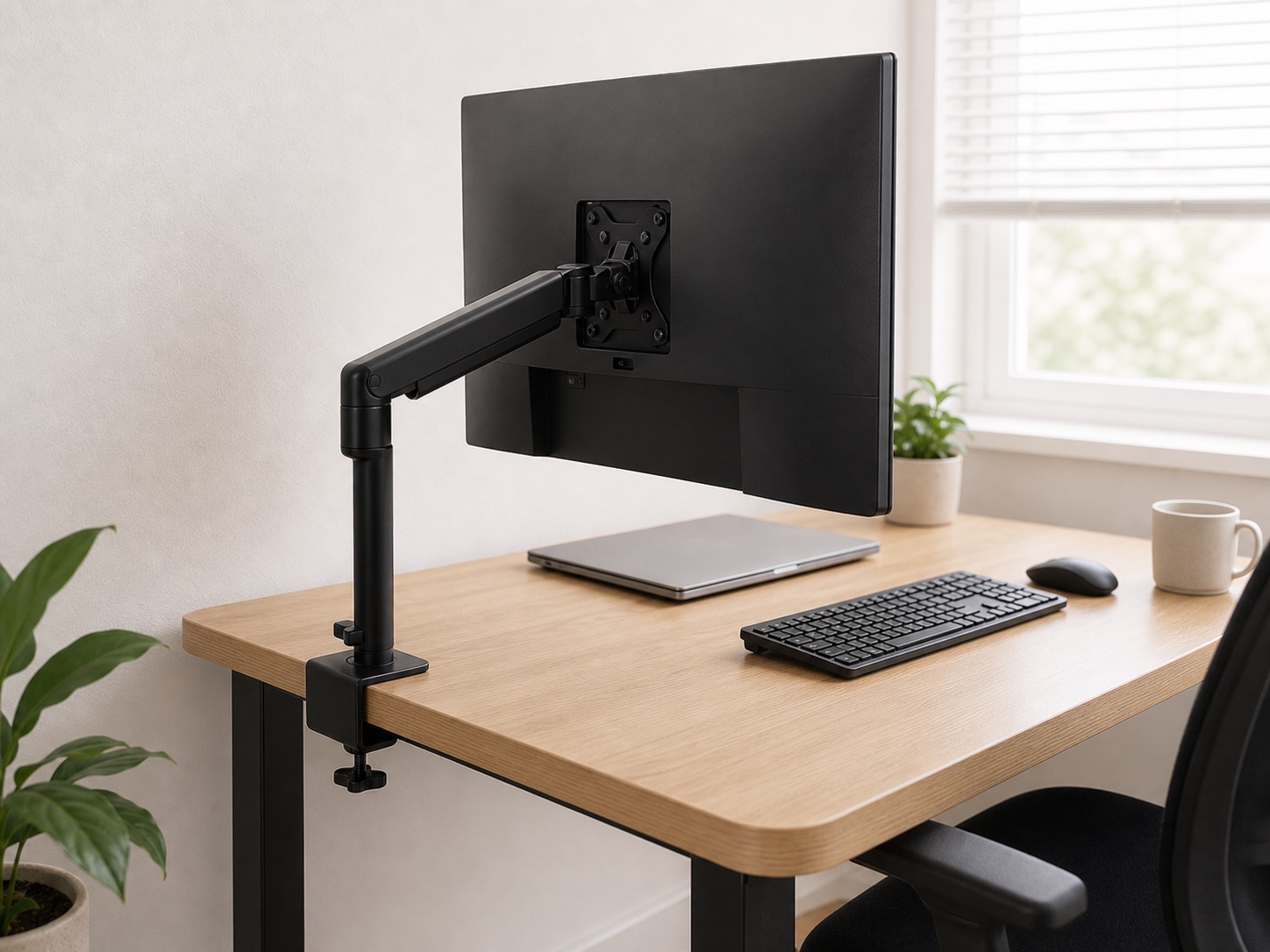
The five compatibility checks
- Monitor interface: confirm the screen’s VESA mounting pattern or approved adapter.
- Supported weight: compare the monitor weight without its stand with the arm’s stated range.
- Desk attachment: measure thickness, clamp depth, and underside obstructions.
- Movement envelope: allow room behind and beside the screen for the arm to fold and rotate.
- Working position: confirm the arm can place the screen where you need it, not merely hold it.
Confirm the monitor, not just the screen size
Screen size alone does not establish compatibility. Find the exact monitor model and check its manual or manufacturer specification for VESA pattern and weight without the factory stand. Curved and ultrawide displays can place their center of mass farther from the arm pivot, so use the arm maker’s specific guidance.
Inspect the desk attachment point
Most small desks fail the geometry test rather than the thickness test. An apron, rear cable lip, drawer, frame, or wall can block the clamp. Measure at the exact intended position using the clamp fit note.
Check the desk material and condition. Do not clamp to cracked, swollen, hollow, or unsupported material. A grommet mount requires an existing suitable hole or permission to create one.
Model the movement envelope
Push the current monitor to the desired final position and imagine the arm behind it. Some arms need significant rear space when folded; on a desk against a wall, that can push the screen forward and erase the depth you hoped to gain.
Use cardboard or painter’s tape to mark the desired screen center and rear clearance. Include portrait rotation, webcam space, and any lamp or shelf above the monitor.
Set position after fit
Start with the top portion of the visible screen around eye level, then adjust for your posture, lenses, and viewing distance. The keyboard and pointing device should remain close enough that your shoulders can relax. An arm is useful because it separates screen support from desk depth; it is not a reason to reach forward all day.
When an arm is the wrong tool
- A shallow riser may work when the edge cannot accept a clamp.
- A wall mount can free the desk when wall modification is allowed and correctly anchored.
- The factory stand may be safest on glass, hollow-core, or uncertain surfaces.
- Moving the desk slightly away from the wall can improve both screen position and cable routing without buying hardware.
Pre-order checklist
- Exact monitor model and stand-free weight recorded.
- VESA pattern confirmed from a primary specification.
- Arm weight range and pattern match.
- Desk thickness and flat clamp depth measured.
- Desk material is suitable and undamaged.
- Rear, side, and vertical movement space checked.
- Cable service loops planned for full arm movement.