Start with a reset, not more accessories
Take a photo of the working setup, shut devices down, and disconnect only the cables you can identify. Remove abandoned chargers, duplicate adapters, and cables that no longer reach a device. A smaller system is easier to route and easier to troubleshoot.
Keep a “not sure” bag
Do not throw away an unidentified cable during the cleanup. Label it with the date and store it away from the desk. If nothing needs it after a month, decide whether to recycle it properly.
Inventory by job
- Power: wall lead, power strip, laptop brick, display power, lamp.
- Signal: display, USB, Ethernet, audio.
- Daily access: phone, headphones, camera, removable drives.
- Movement: monitor arm loops, standing desk transition, pull-out keyboard tray.
This shows which cables need support, which need slack, and which need a reachable parking point.
Support weight before hiding lines
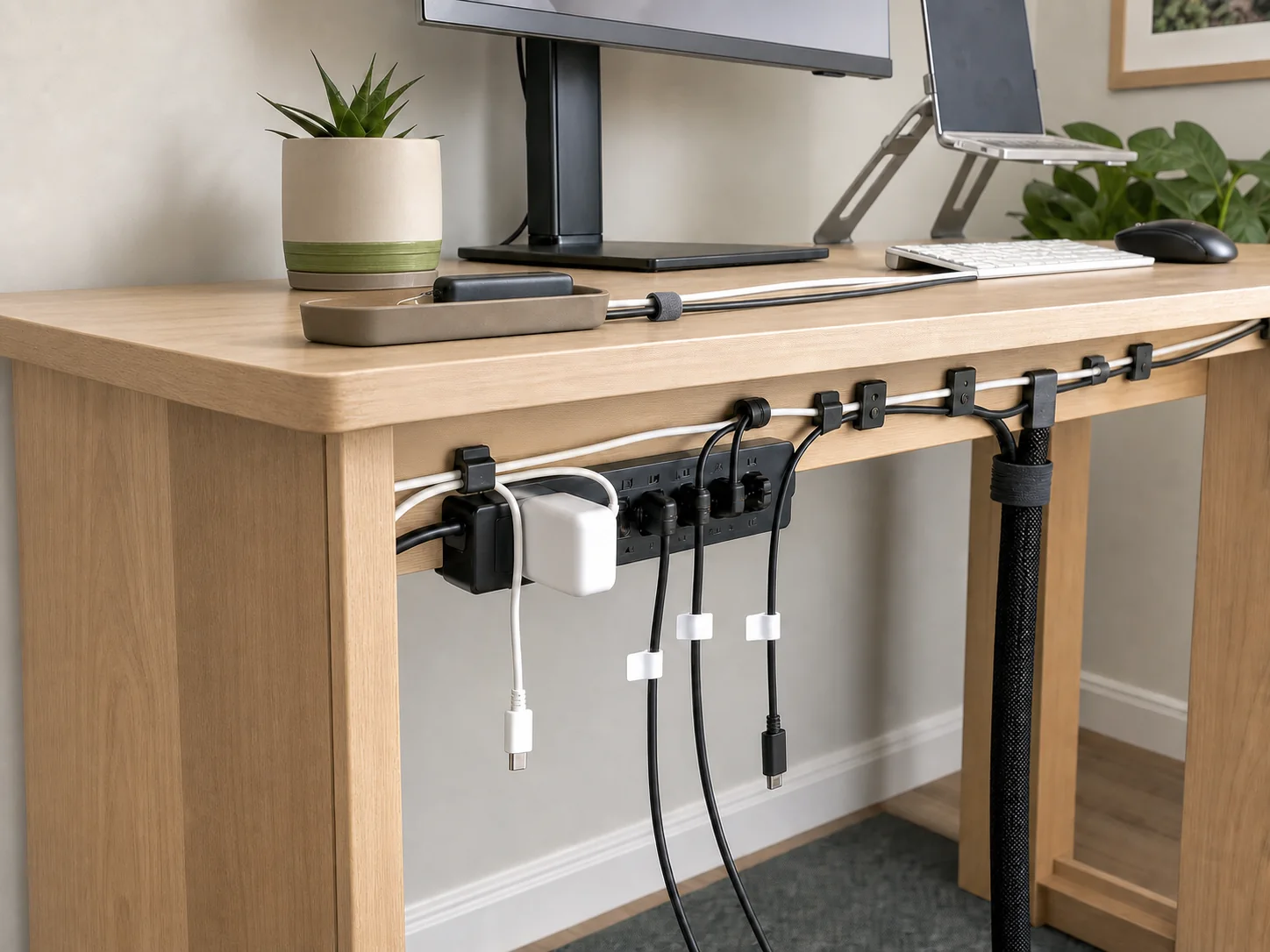
Place the power strip and bulky adapters first. They are the heaviest components and define the route. A suitable tray keeps them off the floor; a well-ventilated box on the floor can work when the desk cannot accept a mount. Never suspend a heavy power brick from its connector.
Route from source to device
- Follow the wall lead from the outlet to the desk.
- Choose one entry point at the rear or side.
- Run fixed device cables through the least visible stable path.
- Leave a service loop before any moving screen or dock.
- Park daily charging ends at an accessible edge.
- Contain the remaining visible drop with a sleeve or reusable ties.
Label the part you would unplug
Put a small label near the power-strip end of each similar adapter. “Monitor,” “dock,” and “lamp” are more useful than labeling the visible end. If a cable has an unusual rating or belongs to a specific device, keep that information with it.
Final checklist
- No connector carries the weight of a brick or bundle.
- No cable is sharply bent at a port.
- Warm adapters have airflow.
- The power switch is reachable.
- The chair, drawers, monitor arm, and desk can move freely.
- Daily charging cables reach without pulling.
- The route can be reopened without cutting permanent ties.
Need a tray? Start with the fit-first renter guide, not a product list.