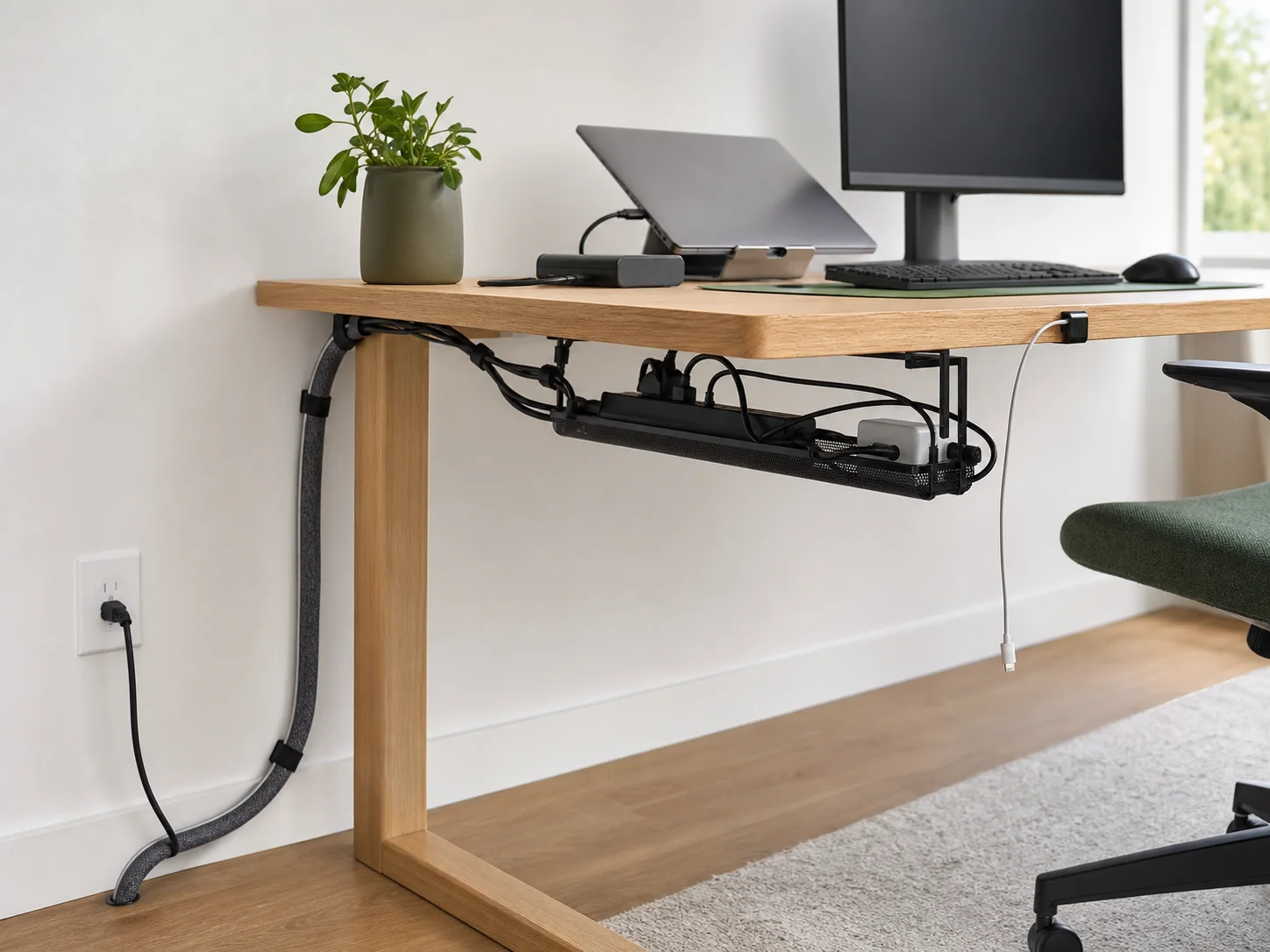
Draw the route before attaching anything
Mark the wall outlet, desk entry point, power-strip location, fixed devices, and moving devices. The route should avoid doorways, heat sources, sharp edges, chair casters, and the travel path of drawers or lift columns.
Whenever possible, create one main transition from the fixed room to the desk, then branch near the devices.
Place power where it can be reached
The power strip switch and plug should remain accessible. Do not bury the strip under paper or inside an unventilated enclosure, and do not daisy-chain power strips. Support heavy adapters so their weight is not carried by a plug or device port.
Keep the route understandable
Power and signal cables can share a general route, but do not crush them into an over-tight bundle. Keep delicate connectors and excess cable from resting on warm adapters. Label similar leads at the power-strip or dock end so one device can be isolated without dismantling everything.
Add slack only where it is useful
Leave a controlled service loop at monitor-arm pivots, laptop docks, and the transition to a standing desk. Fixed devices do not need large hidden coils. Use reusable ties so each loop can be resized.
Attach from heavy to light
- Support the power strip and adapters.
- Guide the main run from outlet to desk.
- Secure fixed device cables.
- Add service loops for moving parts.
- Park daily charging ends with small clips.
- Contain the final visible bundle if needed.
This sequence prevents small adhesive clips from carrying weight they were never meant to support.
Inspect under real use
Sit, stand, rotate the screen, open drawers, pull the chair in, and charge every daily device. Look for tension, rubbing, heat, and inaccessible switches. Recheck after a week because adhesives settle, ties shift, and the practical charging route may differ from the one you imagined.
Choose the support method
If the route needs a power-strip tray, compare clamp and adhesive attachment. If the desk moves, use the full-height standing-desk test. For a compact fixed desk, finish with the small-desk checklist.