Audit the surface before adding storage
Clear the desk and return only what you touch during a normal work block: display, keyboard, pointing device, notebook, and one active drink or tool. Everything else must earn a nearby location based on frequency.
- Every few minutes: keep within arm’s reach.
- A few times a day: place at the edge or one vertical move away.
- Weekly: move to a shelf, drawer, or closed bin.
Use four vertical zones
- Above the monitor: lightweight, low-frequency objects only; avoid visual clutter in the direct sightline.
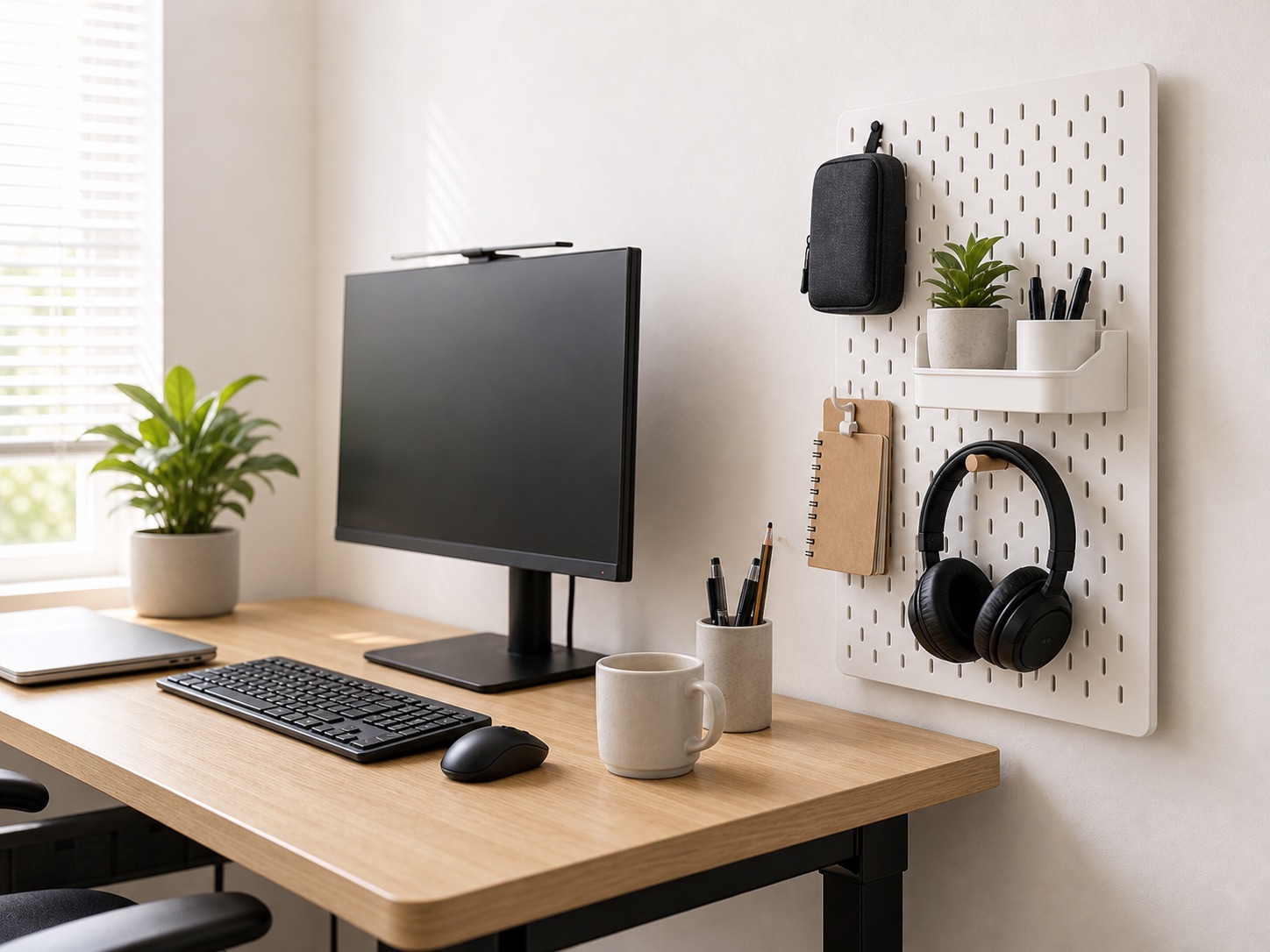
- Beside the monitor: pegboard tools, headphones, and small trays.
- Under the monitor: a riser can create a shallow parking bay for a keyboard or notebook.
- Desk side and underside: hooks, headphone holders, and cable support—after checking knee clearance.
Pegboard or wall rail
A pegboard is useful when the arrangement changes frequently. Keep heavy items near secure mounting points and follow the wall and hardware guidance. In a rental, a freestanding or desk-clamped panel may be more reversible than wall anchors, but it consumes edge depth and requires a compatible clamp location.
Group by task instead of object type: video-call tools together, writing tools together, and charging accessories together. That reduces reaching and makes the board easier to reset.
Monitor riser or shelf
A riser trades some vertical volume for a second shallow level. It works best when the space below has a defined use such as parking the keyboard at the end of the day. Avoid turning the shelf into a permanent stack that blocks airflow or pushes the monitor too high.
If a riser exists only to correct monitor height, a compatible monitor arm may recover more surface area. Check the arm fit guide before assuming it will clamp to the desk.
Keep the visual win safe
- Do not put heavy objects above your head or an expensive display without appropriate anchors.
- Keep vents and warm power adapters unobstructed.
- Do not allow hooks or shelves to enter a standing desk’s movement path.
- Check that wall-mounted storage does not violate rental terms.
- Leave enough clear depth for wrists and forearms in front of the keyboard.
Build a 60-second reset
Assign one home to each daily object and leave a small open landing area. At the end of work, park the keyboard, hang the headphones, return the notebook, and connect the charging lead. A layout that takes longer than a minute to reset will gradually become surface clutter again.
For the overall work zone, use our small-desk layout sequence.