The Hidden Danger of Cheap Standing Desks: Why Your Wrists Hurt (And the 2026 Solutions)
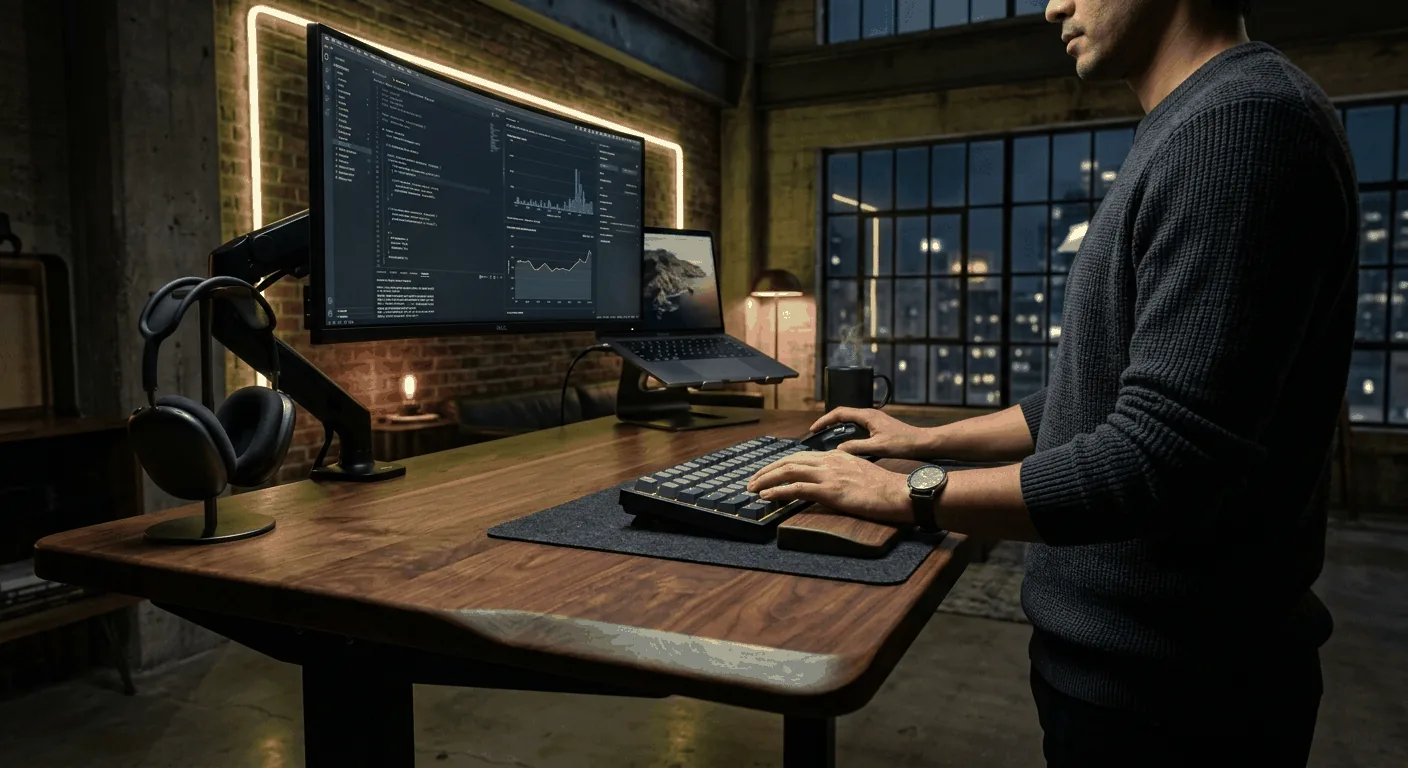
If you made the switch to a standing desk recently, you probably expected to cure your back pain, boost your productivity, and join the elite ranks of the modern remote workforce. But instead, you might have discovered a brand-new, entirely unexpected problem: severe wrist and forearm pain.
As we dive into 2026, tech communities across Reddit—specifically r/StandingDesk and r/desksetup—are flooded with the exact same complaint. Users are realizing that while standing is great for the spine, \"budget\" electric standing desks are wreaking havoc on their wrists and hands.
Why is this happening, and more importantly, how do you fix it before it becomes a chronic issue? Let's break down the hidden ergonomic dangers of cheap standing desks and explore the premium, zero-wobble setups that are saving the wrists of professionals worldwide.
The 2026 Ergonomic Epidemic
The \"Sharp Edge\" Phenomenon
Most standing desks under $200 utilize a standard laminated particleboard desktop. To cut manufacturing costs, these boards are finished with a sharp, 90-degree edge band. When you are standing, your forearms naturally bear more weight as they rest on the desk surface.
This sharp edge digs directly into the tendons and blood vessels of your lower arms, causing compression, numbness, and eventually, intense wrist pain. A recent high-end buyer noted the difference:
\"The height adjustment is smooth, and most importantly, the desktop surface doesn’t cause any wrist pain during long hours of use.\" — Verified r/StandingDesk User (2025/2026 buyer guide)
Motor Wobble and Typist Fatigue
A lesser-known culprit of wrist pain is micro-vibrations and wobble. Cheap single-motor desks lack lateral stability at higher elevations. Every keystroke sends a tiny, echoing vibration through the desk frame and back into your fingertips and wrists. Over an 8-hour workday, this constant need to stabilize your arms against a shaky desk leads to severe muscle fatigue and tendon strain.
Top 3 High-End Standing Desks to Cure Wrist Pain
If you are serious about your health and your career, a desk is a medical necessity, not just furniture. Here are the top solutions validated by the 2026 ergonomic communities. Note: Using premium gear instantly mitigates structural wobble and edge-cutting pain.
1. Autonomous Desk 5 Pro
The Autonomous Desk 5 Pro has dominated community recommendations in late 2025 and 2026 for a reason. It bridges the gap between budget pricing and premium stability.
- Why it saves your wrists: It features a remarkably smooth dual-motor system that eliminates typing micro-vibrations.
- Ergonomics: Avoids the severe sharp edge of cheaper alternatives, creating a smoother drop-off for forearm resting.
- Community Verdict: \"Works perfectly for people who want a functional electric desk without spending too much.\"
2. Uplift V2 Standing Desk
When it comes to absolute bedrock stability, the Uplift V2 is the undisputed king. It utilizes commercial-grade steel and advanced wedge bracing, heavily revered by power users.
- Zero-Wobble Frame: Your wrists are no longer acting as shock absorbers for the desk's instability, allowing you to type with a relaxed, neutral posture.
- Ergonomic Contour Top: You can order it with an ergo-edge top that allows you to stand closer to your monitors while resting your forearms on a gentle, comfortable curve.
3. FlexiSpot E7 Pro Plus
The FlexiSpot E7 is known for its massive lifting capacity and deep desktop compatibility. A major cause of wrist pain is a desk that is too shallow, forcing your elbows to hang off the edge.
- Accommodates Deep Tops: Supports massive 30-inch deep tops, allowing you to rest your entire forearm flat and supported.
- Heavy Payload Capacity: Takes the weight of a dual/triple monitor setup without breaking a sweat or introducing sway.
Essential Desk Setup Upgrades You Can Make Today
Fixing your desk is step one, but complete ergonomic relief requires a holistic approach. Here is what leading remote workers are upgrading in 2026:
Ergonomic Chairs with 4D Armrests
When you aren't standing, your chair needs to do the heavy lifting. The classic Herman Miller Aeron remains unmatched. A recent desk setup veteran shared:
\"I purchased a refurbished Aeron chair and my back pain is virtually gone... but ensure the armrests are adjustable and can move out of the way to allow you to get close to your desk.\"
The \"Rollerblade Wheels\" Hack
This is the ultimate 2026 lifehack for hardwood floors. Swap your cheap plastic chair casters for polyurethane rollerblade wheels. \"Rollerblade wheels are a HUGE upgrade to any chair. So smooooth.\" This allows you to effortlessly glide into the perfect ergonomic typing position without fighting friction, keeping your wrists aligned perfectly with the desk edge.
Stop Compromising on Your Setup
Your wrists are your livelihood. A cheap standing desk that saves you $200 today could cost you thousands in medical bills and lost productivity tomorrow. Upgrade your frame to a stable, dual-motor system like the Uplift V2 or Autonomous Desk 5 Pro, invest in a desk top with a contoured or beveled edge, and finally start experiencing the true health benefits of a premium standing desk.