How to Properly Clean Matte Monitors and Aluminum Laptops
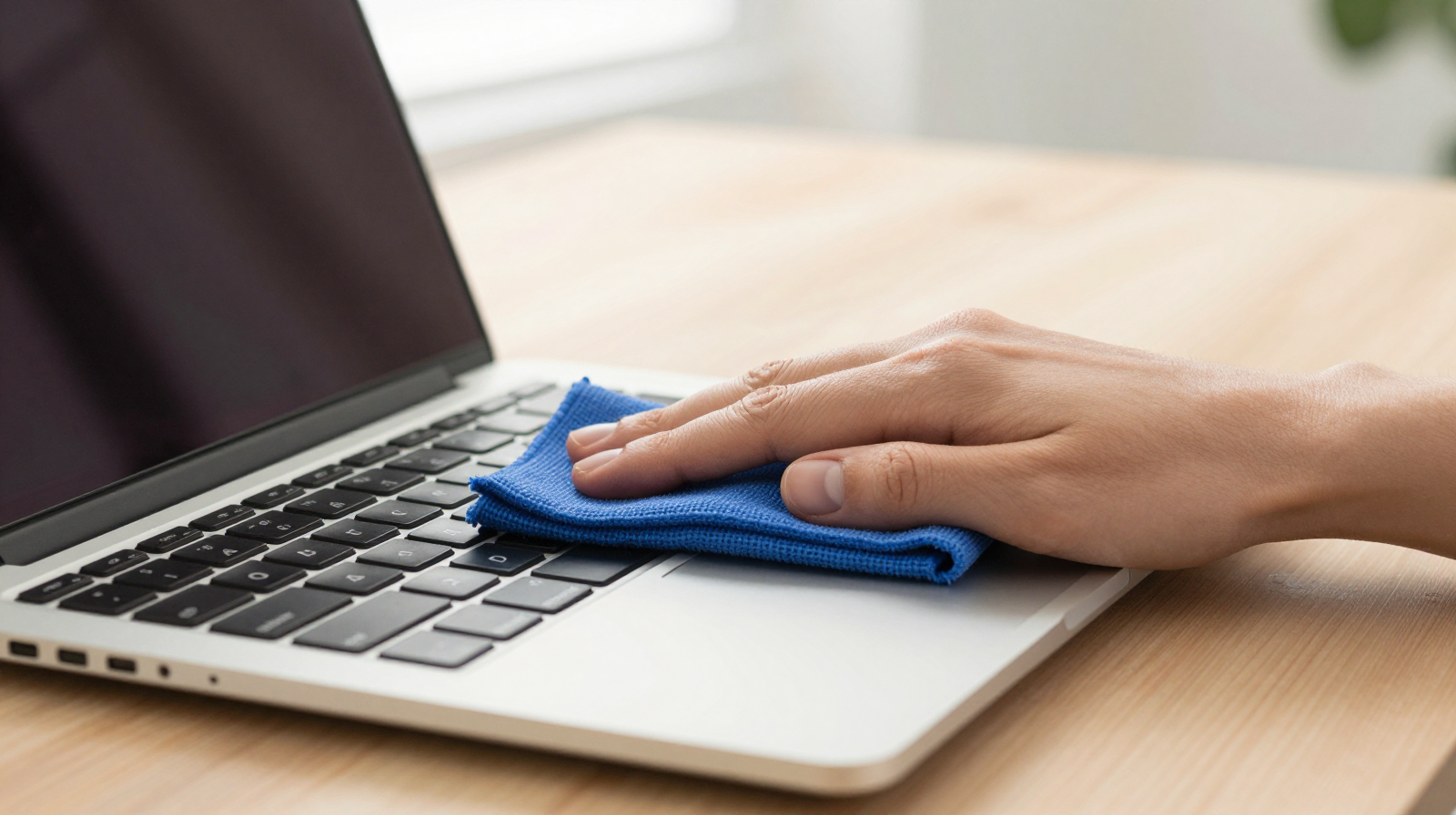
Cleaning modern tech is simple in theory and easy to do wrong in practice. Matte display coatings can scratch or streak if treated like regular glass, and aluminum laptop finishes can lose their uniform look when exposed to harsh chemicals. A safe routine protects both appearance and longevity. This guide gives you a practical method you can repeat weekly without risk.
Tools You Actually Need
- High-quality microfiber cloths dedicated to screens.
- Distilled water in a clean spray bottle.
- Optional diluted isopropyl alcohol solution for stubborn residue.
- Soft brush or blower for dust around vents and keyboard seams.
Avoid paper towels, rough fabrics, and aggressive all-purpose cleaners. The wrong cloth causes micro-abrasion over time.
Pre-Clean Safety Steps
Power down and unplug devices before cleaning. Let warm surfaces cool so moisture does not evaporate unevenly and leave marks. Never spray liquid directly onto screens or keyboard decks. Always apply moisture to the cloth first, then wipe controlled areas.
Matte Monitor Cleaning Technique
1) Dry pass first
Use a dry microfiber cloth with gentle horizontal motions to remove loose dust.
2) Damp pass second
Lightly dampen another microfiber cloth with distilled water and wipe using broad, even strokes. Do not press hard; coatings can be delicate.
3) Spot treatment only when needed
For fingerprints or oily marks, use a minimal amount of approved alcohol dilution on the cloth, then immediately follow with a water-dampened pass and dry finish.
Aluminum Laptop Cleaning Technique
For the lid and palm rest, a lightly damp microfiber cloth is usually enough. Around the keyboard, use controlled wipes and avoid pushing moisture between keys. For vents and ports, use a soft brush to dislodge dust rather than poking with hard tools. If the trackpad shows smudges, use a clean cloth section to avoid redistributing oils.
Common Mistakes That Cause Damage
- Spraying cleaner directly on screen edges.
- Using glass cleaner with ammonia on coated displays.
- Reusing dirty cloths that trap abrasive particles.
- Applying excessive pressure to remove stubborn marks.
Most cleaning damage comes from force and residue, not from the act of cleaning itself.
Maintenance Schedule for Clean Results
Light weekly cleaning prevents buildup and reduces need for aggressive wiping. Monthly deep clean sessions can include keyboard, vents, stand base, and cable touchpoints. Keep one cloth for screens and another for chassis surfaces to avoid cross-contamination.
Conclusion
The best cleaning routine is gentle, consistent, and predictable. Use proper microfiber cloths, minimal moisture, and patient passes. Your matte monitor will stay clear without streaking, and your aluminum laptop will retain its premium finish for years.
Dealing With Stubborn Smudges and Residue
Some marks, especially palm oil residue and dried droplets, require patience. Use multiple light passes rather than one aggressive scrub. Rotate to a clean area of cloth often; otherwise you simply spread residue. If you use an alcohol dilution, keep concentration moderate and test on a small inconspicuous area first. Follow quickly with distilled water pass and dry microfiber finish to reduce streaking risk.
Keyboard and Port Hygiene Without Damage
For keyboards, angle the laptop slightly and use short, controlled air bursts or a soft brush to move debris outward. Avoid blasting compressed air too close at high pressure, which can force particles deeper. For USB-C and audio ports, use gentle dry cleaning methods only. Liquids should never enter ports during routine maintenance.
Recommended Cleaning Cadence
- Daily: quick dry wipe for fingerprints on frequently touched surfaces.
- Weekly: full screen and chassis clean with distilled water method.
- Monthly: vent and keyboard deep clean, cable and power adapter wipe-down.
A consistent schedule avoids heavy buildup, so you can clean gently and preserve coatings. This approach keeps devices looking new while reducing the risk of accidental damage from over-cleaning.
Travel and Office Cleaning Kit
If you move between home and office, keep a compact cleaning pouch with two microfiber cloths, a small distilled-water sprayer, and a soft brush. This prevents using random tissues or harsh wipes when smudges appear midweek. A portable kit encourages gentle, frequent care and reduces the chance of permanent marks caused by emergency cleaning with unsuitable materials.
Good maintenance is less about perfection and more about consistency. Small routine actions protect device finish and preserve visual quality over the long term.
Before and after cleaning, inspect surfaces under angled light. This reveals hidden streaks early and helps you correct technique before residue hardens on coated panels.
For mission-critical work devices, schedule cleaning right before weekly backups. You reduce downtime risk and keep hardware maintenance aligned with broader reliability habits.
Consistent, gentle care extends resale value and keeps your workspace presentation professional for years.