Top 5 Ergonomic Accessories for Long Coding Sessions
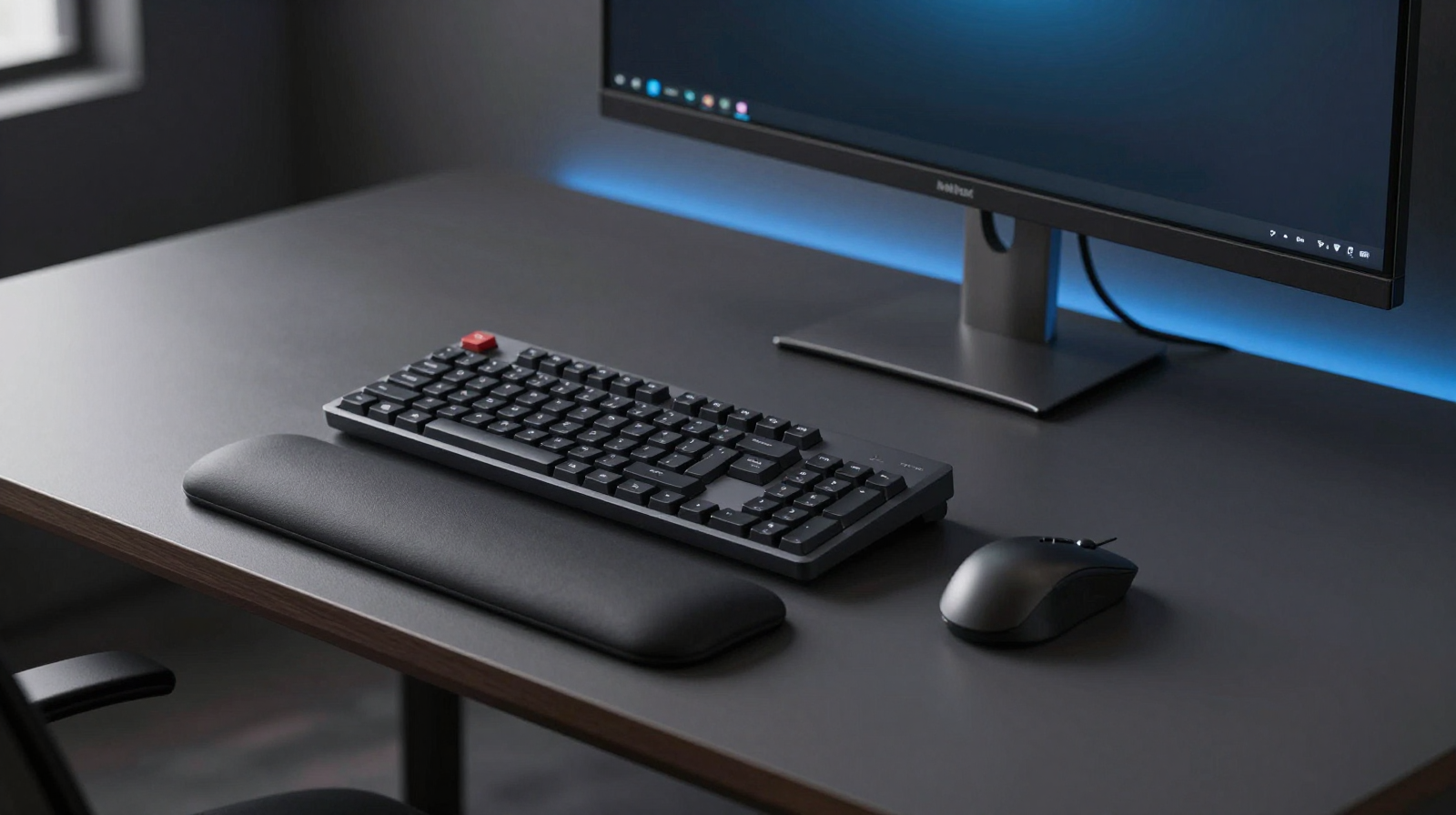
When developers talk about productivity, the conversation usually centers on frameworks, tooling, and automation. Physical comfort gets ignored until pain appears. That is backwards. Ergonomics has direct impact on focus quality, coding endurance, and long-term health. A smart accessory stack will not replace movement or exercise, but it can reduce repetitive strain and improve sustained concentration. This guide covers five practical accessories that deliver the most value for long coding sessions.
1) Monitor Arm: Neck and Eye-Line Control
A quality monitor arm solves one of the biggest desk problems: fixed screen height. Most developers sit too low or too high relative to their display, creating neck flexion and shoulder tension. With an arm, you can set the top third of the screen near eye level and maintain neutral posture. It also reclaims desk depth, which helps keep keyboard and mouse positions healthier.
Choose a model rated for your monitor weight and VESA pattern. Gas-spring arms are easiest for fine adjustments. Once installed, lock in a neutral position and avoid constant micro-tweaking.
2) Split or Low-Force Keyboard: Better Wrist Angles
Typing force and wrist angle compound across thousands of daily keystrokes. A split keyboard or low-force mechanical option can reduce ulnar deviation and finger fatigue. If you prefer compact layouts, consider models with programmable layers so your hands travel less distance. Consistency matters more than novelty: pick a board you can use comfortably for months, not one that only feels exciting for a week.
3) Vertical or Ergonomic Mouse: Forearm Relief
Traditional mice can encourage pronation and static tension during long sessions. Vertical designs keep your forearm closer to a handshake posture, which may reduce stress for some users. Trackballs are another option where desk space is limited. The right answer is personal, so test grip comfort and button effort before committing.
Also check pointer speed and acceleration settings at OS level. Even the best hardware feels bad with poor sensitivity tuning.
4) Wrist Support and Desk Edge Comfort
Wrist rests are often misunderstood. They should support pauses, not bear constant pressure while typing. Soft but stable materials work best, and height should align naturally with your keyboard front edge. If your desk has a sharp front lip, a simple edge pad can prevent forearm compression during long sessions.
5) Footrest or Under-Desk Support
If your chair height is optimized for keyboard position but leaves your feet unsupported, posture degrades quickly. A footrest helps maintain stable lower-body contact and reduces fidgeting. Look for slight tilt options so you can alternate ankle angles. Comfort below the desk often improves attention above the desk.
How to Introduce Accessories Without Overbuying
- Fix monitor height first; this gives immediate posture feedback.
- Then improve input comfort with keyboard or mouse changes.
- Add support items like wrist rest and footrest based on persistent pain points.
- Track one-week outcomes before buying the next item.
Buying everything at once makes it impossible to identify what actually helped.
Pros & Cons: Ergonomic Accessory Investment
Pros
- Better posture and reduced fatigue during long development sprints.
- Improves consistency and comfort across remote-work days.
- Can lower risk of repetitive strain discomfort over time.
Cons
- High-end ergonomic gear can be expensive.
- Adaptation period may temporarily slow typing speed.
- No accessory replaces movement breaks and good habits.
Build a Healthier Coding Setup
Compare ergonomic accessories and current pricing.
Check Price on AmazonConclusion
The best ergonomic stack is practical and personalized. Start with monitor positioning, then optimize typing and pointing comfort, and finally address support details. Small physical improvements made early prevent bigger problems later and help you stay productive across long coding cycles.
How to Evaluate Ergonomic ROI Over 30 Days
Ergonomic accessories are easiest to justify when you measure outcomes instead of relying on first impressions. Track three simple metrics for a month: daily discomfort score (0-10), uninterrupted focus duration, and end-of-day energy. You may discover that one accessory, such as a monitor arm, delivers outsized gains while another has minimal impact. This data-driven approach helps you invest in upgrades that genuinely improve work quality.
Also watch for adaptation effects. A new split keyboard can feel awkward for a week and then become dramatically more comfortable by week three. If you evaluate too early, you may abandon improvements that would have paid off. On the other hand, persistent pain is a clear signal to adjust height, angle, or device choice immediately.
Desk Habits That Multiply Accessory Benefits
- Use 50-90 minute focus blocks with short movement breaks.
- Keep shoulders relaxed by pulling input devices closer, not reaching forward.
- Recenter posture after meetings, especially if you leaned toward laptop cameras.
- Hydrate consistently; dehydration often increases perceived fatigue.
Accessories are force multipliers, not magic fixes. The strongest results come from combining better hardware with repeatable habits. Once your setup supports healthy posture by default, coding sessions feel smoother and mental stamina improves across the week.