Why Wi-Fi 7 Matters: Optimizing Your Asus RT-BE86U for PS5 Gaming
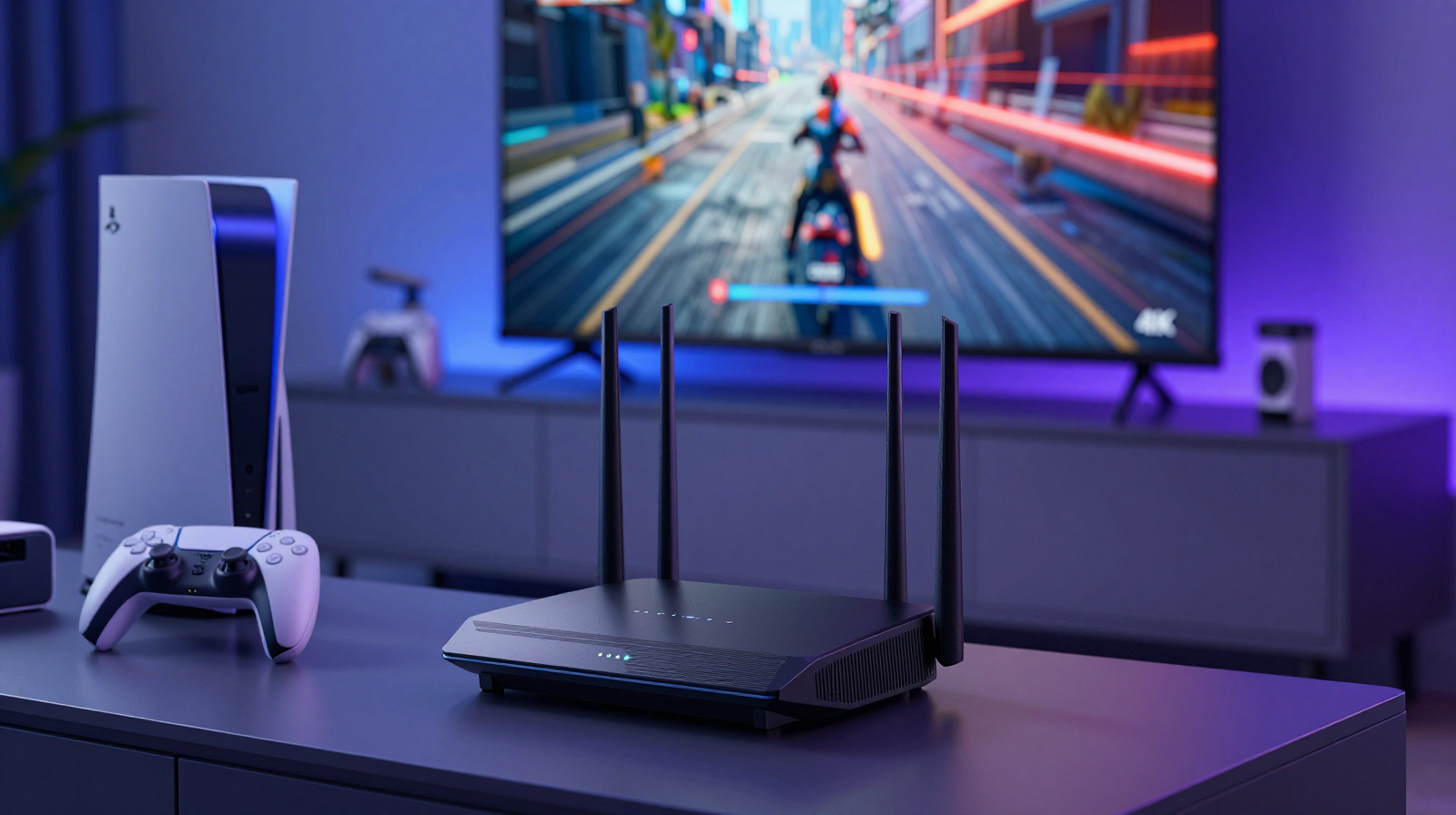
Wi-Fi 7 is often marketed as a speed upgrade, but for PS5 players the real story is consistency. Fast download numbers look great in screenshots, yet competitive gaming performance depends more on latency stability, packet timing, and reduced interference under household load. The Asus RT-BE86U is interesting because it gives advanced controls without forcing enterprise-level complexity. With a smart setup, you can reduce random lag spikes, improve voice chat reliability, and keep 4K streaming active without crushing game responsiveness.
What Wi-Fi 7 Changes in Real Homes
Wi-Fi 7 introduces improvements like wider channels and more efficient resource scheduling. In practice, this means better handling when many devices are active at once. If your household has phones backing up photos, TVs streaming, and laptops syncing cloud files while you play online matches, older networks can become unpredictable. Wi-Fi 7 hardware such as the RT-BE86U handles those mixed conditions more gracefully, especially when configured with disciplined channel planning and traffic priorities.
First Setup: Placement and Baseline Testing
Router location
Place the router in an open, elevated position close to the main gaming area, not inside a cabinet. Dense furniture, mirrors, and metal surfaces degrade signal quality. A router hidden for aesthetic reasons usually costs more performance than people expect.
Baseline checks
Before changing advanced settings, run a baseline test: measure ping to your game region, download/upload throughput, and in-game packet loss at different times. This baseline helps you verify whether each adjustment truly helps or just feels better psychologically.
Key RT-BE86U Settings for PS5
Separate SSIDs for control
Create a dedicated SSID for gaming devices. It is easier to troubleshoot and prioritize traffic when gaming clients are grouped. Keep IoT devices on a separate network so they cannot flood the same path during firmware updates or cloud chatter.
QoS and traffic priority
Enable adaptive QoS and prioritize the PS5 profile. QoS cannot create bandwidth you do not have, but it can protect latency-sensitive traffic from less urgent transfers. This matters most when someone else in the home is downloading large files.
Channel width and DFS awareness
Use channel widths that match your interference environment, not marketing maximums. In crowded apartments, narrower stable channels may outperform wider unstable ones. Test with and without DFS channels if your region supports them, then keep whichever delivers fewer spikes over a week.
When Ethernet Is Still Better
Even with Wi-Fi 7, wired Ethernet remains the gold standard for lowest and most predictable latency. If your desk or console location allows it, run a clean cable path and keep Wi-Fi as backup. A hybrid strategy often works best: Ethernet for PS5 and primary workstation, Wi-Fi for mobile and casual devices. This immediately reduces radio congestion and simplifies diagnosis when issues appear.
Security and Firmware Hygiene
Performance tuning is pointless if the router is insecure or unstable. Use WPA3 where possible, update firmware during low-usage windows, and keep admin credentials unique. Disable unused remote-management features. A compromised network can behave unpredictably, and intermittent issues are often mistaken for ISP problems.
Troubleshooting Lag Spikes Methodically
- Check if spikes align with cloud backups, streaming starts, or smart-home camera uploads.
- Run pings from both PS5 and a laptop to isolate console-specific issues.
- Temporarily disable mesh nodes to test if roaming logic causes jitter.
- Review router logs for channel changes, thermal throttling, or WAN renegotiation.
Most persistent lag issues are not caused by one setting. They come from several small inefficiencies happening together. A controlled test routine prevents random tweaking and gives clear evidence of improvement.
Pros & Cons: Asus RT-BE86U for PS5
Pros
- Strong feature set for gamers needing granular control.
- Good multi-device performance under mixed household loads.
- QoS and network segmentation improve latency stability.
Cons
- Advanced settings can overwhelm casual users.
- Real gains vary by ISP quality and home layout.
- Premium price compared with basic Wi-Fi routers.
Ready to Upgrade Your Network?
Compare pricing and variants before purchasing.
Check Price on AmazonBottom Line
Wi-Fi 7 matters for PS5 gaming when you care about consistency, not just headline speed. The Asus RT-BE86U can deliver meaningful improvements if you combine sensible placement, clean network segmentation, and disciplined QoS tuning. Treat your network like a performance system, and your game sessions will feel smoother, more predictable, and less frustrating across peak hours.
Advanced Tuning for Competitive Sessions
Once basic setup is stable, advanced tuning can improve consistency during ranked play. Reserve static IP addresses for your PS5 and streaming box so traffic rules remain reliable after reboots. If your router supports manual DNS profiles, test a low-latency resolver and compare in-game matchmaking responsiveness over several nights. Keep records in a simple spreadsheet: average ping, worst spike, packet loss events, and subjective match feel. Data prevents placebo-driven settings changes.
Another overlooked factor is thermal stability. Routers in enclosed cabinets may throttle under sustained load, especially in summer conditions. Ensure ventilation around the RT-BE86U and avoid stacking other warm electronics directly above it. Performance drops caused by heat can appear random and are often misdiagnosed as ISP instability.
ISP Reality Check
Even perfect local network tuning cannot overcome upstream congestion or poor regional routing. If your local ping remains clean while game servers still spike at specific hours, collect evidence and contact your ISP with timestamps. Some providers can adjust profile settings or investigate neighborhood node saturation. This step is rarely discussed in gaming setup guides but can have major impact.
Ultimately, optimization is about repeatable reliability. Use Wi-Fi 7 features where they help, keep a wired path for critical devices when possible, and tune with methodical testing. The combination will outperform random setting changes every time.